



Mind-blowing! This AI tool turns you into a music producer in seconds!
What is Mubert?
Mubert is an AI-powered tool that lets you generate background music based on keywords you provide. It’s pretty easy to use, though customization options are a bit limited. One thing to note: the tracks it creates often have a noticeable heavy bass vibe.
Mubert ai official website:https://mubert.com

Choosing the right background music is crucial in video production.
For video editors, finding the perfect track can sometimes take even more time than editing the video itself.
What Mubert Does Best
Human × AI-generated music
Perfect for your videos, podcasts, and apps.
Mubert Tools & Features
-
Mubert Studio
For content creators
Create soundtracks that match your content’s mood, length, and pace—instantly, effortlessly, and beautifully. -
For artists
Earn money from your tracks, samples, and loops. Collaborate with AI to create something truly incredible. -
Start creating tracks now
-
Contribute your sound
-
Mubert API
-
Mubert Play
For developers & brands
Get original, royalty-free music for your product—stress-free. Use personalized audio experiences to help grow your business.For listeners
Discover the right sound for every moment. Whether you’re relaxing, working out, focusing, or just vibing.
AI-Generated Music Knows No Borders
The power of AI combined with the creativity of music producers creates a unique symbiosis between humans and algorithms.
Mubert draws from millions of samples contributed by hundreds of artists.
Each track is generated in real-time, royalty-free, and tailored for its purpose. It’s a whole new kind of collaboration—human and tech coming together to deliver the perfect sound, every time.
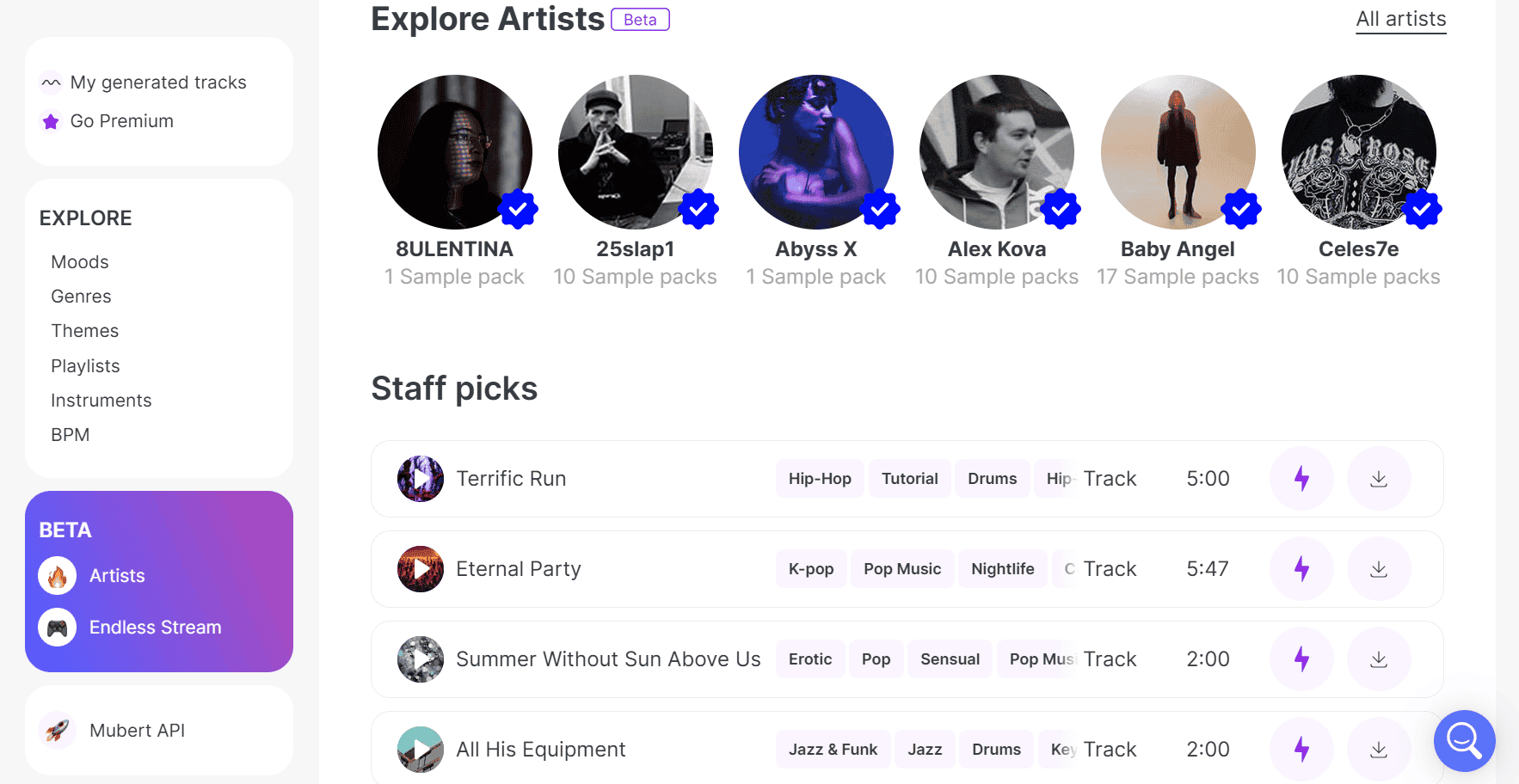
Mubert makes it super easy to create background music—whether it’s for a product demo or a storytelling video. Just type in a keyword in English, like “Product Demo Background Music” or “Storytelling Background Music,” set the length you need, and hit “Generate track.” That’s it—your custom background music is ready to go!
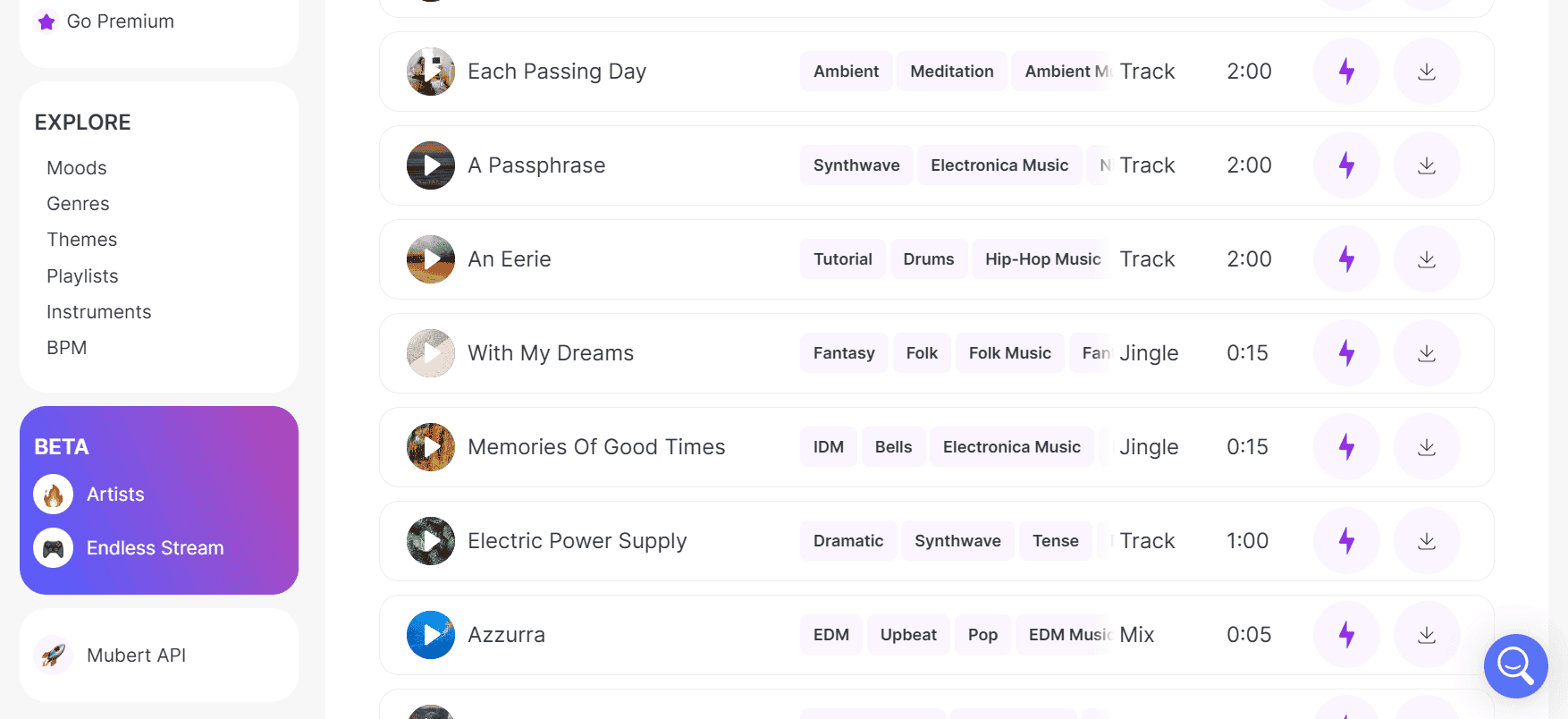
Mubert also offers a handy “Search by reference” feature. Just paste the link to a background track you like, click “Search tracks,” and the system will find several similar-sounding options for you. You can preview each one by clicking the play button, and if you find something you like, just hit the download icon to add it to your download list. Not quite what you’re looking for? No problem—just click the button to regenerate similar music.
You can also explore a variety of music styles and genres directly in Mubert. Preview tracks by clicking play, and if it feels right, download it to your list. Still not satisfied? Keep regenerating until you find the perfect match.
All your downloaded audio files will show up under “My downloads.” To save them to your computer, click the button next to the file. Just a heads-up—during the download process, a pop-up will ask you to select where you’ll be using the audio. You can simply choose “Other” and type anything in the box, then click next to complete the download.
Mubert is an AI-powered tool that lets you create background music just by typing a few words. It’s super user-friendly and makes it easy to generate music that fits your needs. The best part? It offers free, royalty-free tracks you can use in your personal projects without any hassle. Whether you’re a professional editor or just an everyday user, Mubert helps you get high-quality background music to take your videos to the next level.
Using Mubert Render
Create the music you’ve been searching for—in just seconds.
Effortlessly generate soundtracks with the perfect length, mood, and style. Mubert instantly creates tracks tailored for your content, no matter the platform—YouTube, TikTok, podcasts, or videos—all royalty-free!
Just set the parameters for your next soundtrack, and within seconds, you’ll have incredible music ready to go.
Related posts
