
Cloudflare
The world's largest Internet service provider
Tags:Domain RegistrationCloudflare Dashboard DNS Management Performance optimization Web Security Zero Trust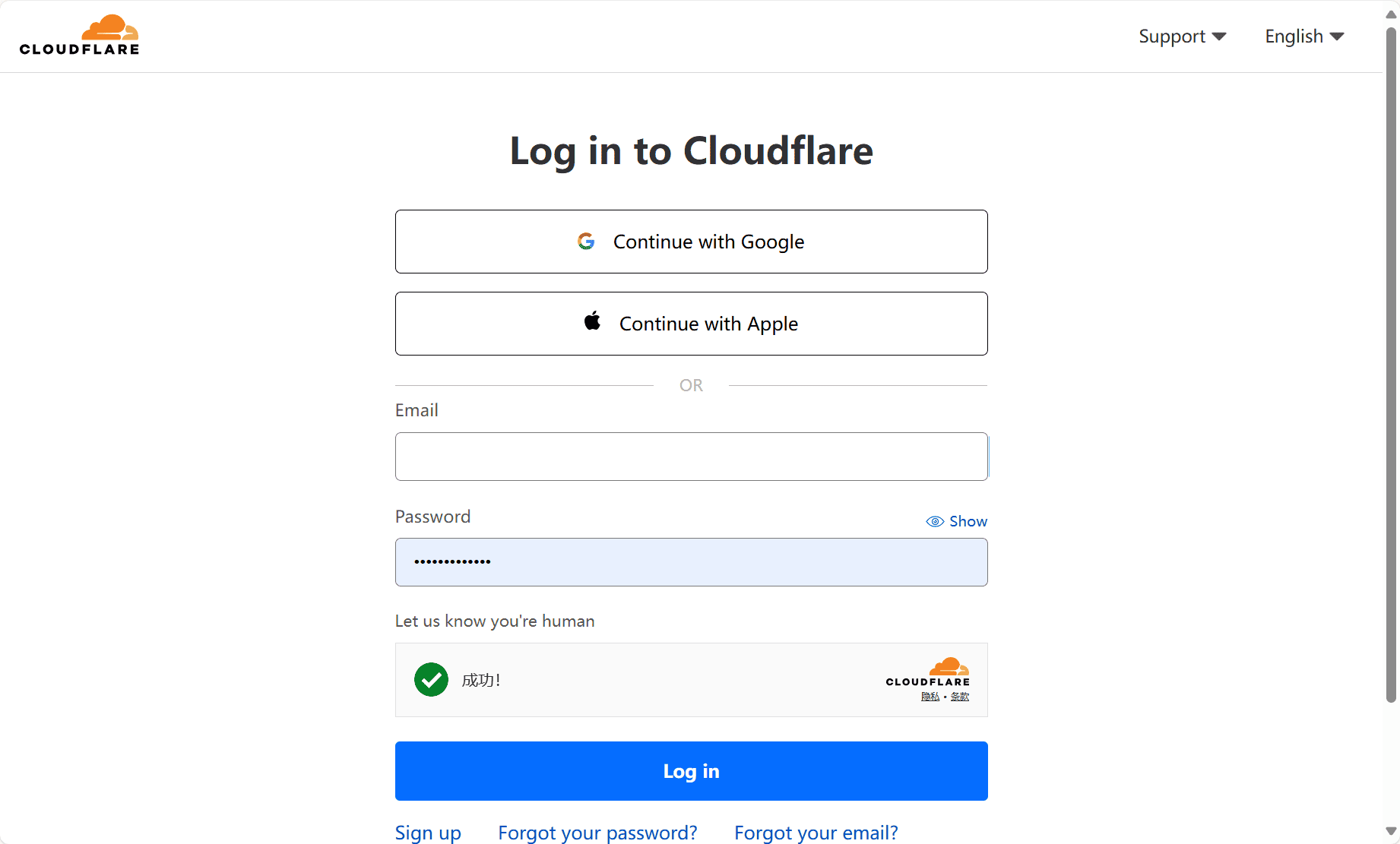
Cloudflare Dashboard is the central hub for managing a comprehensive suite of performance, security, and reliability tools designed to protect and optimize web properties. Accessible at dash.cloudflare.com, the dashboard offers a streamlined interface for businesses, developers, and IT professionals to configure and monitor their websites and applications across Cloudflare’s global network.
Unified Control Center
The Cloudflare Dashboard consolidates control over a wide range of features into one user-friendly platform. Users can manage DNS settings, configure firewall rules, adjust content delivery network (CDN) preferences, monitor real-time traffic, and analyze security events—all from a single location. The interface is designed for both ease of use and advanced customization, catering to users with varying levels of technical expertise.
Core Functionalities
1. DNS Management:
The dashboard allows users to quickly update and propagate DNS records globally through Cloudflare’s fast and secure DNS infrastructure. It supports advanced DNS configurations such as CNAME flattening, DNSSEC, and load balancing.
2. Security Controls:
From Web Application Firewall (WAF) configurations to DDoS protection, the platform provides granular security options. Users can create custom firewall rules, implement rate limiting, and manage bot mitigation tools to defend against malicious traffic.
3. Performance Optimization:
Through features such as automatic image optimization, content caching, and Argo Smart Routing, users can significantly enhance website performance and reduce latency. The dashboard enables the activation and fine-tuning of these tools with minimal effort.
4. Zero Trust Services:
Organizations can manage user access to internal applications via Cloudflare Zero Trust policies. This includes identity-based access controls, secure web gateways, and remote browser isolation, all managed within the same dashboard.
5. Analytics and Insights:
The platform provides detailed analytics on traffic, threats, and performance metrics. These insights help users make informed decisions and monitor trends in real time.
Seamless Integration and Scalability
Cloudflare’s dashboard supports seamless integration with third-party tools and APIs, making it adaptable to various IT environments. Whether managing a personal blog or a large-scale enterprise network, the dashboard scales efficiently with the needs of the user. The structure is designed to manage multiple domains and teams within one organizational account.
Role-Based Access and Account Management
Administrators can assign user roles and permissions, enabling team collaboration without compromising security. The account section also includes tools for billing management, audit logs, and multi-factor authentication for enhanced account security.
Conclusion
The Cloudflare Dashboard is a powerful and intuitive platform that centralizes the control of web security, performance, and access solutions. With its broad feature set, real-time visibility, and scalable architecture, it serves as an essential tool for maintaining robust digital infrastructure in today’s dynamic internet landscape.
data statistics
Relevant Navigation