
Microsoft Designer
Microsoft launches AI graphic design tool to quickly complete design processing
Tags:Graphic designAI graphic design branding materials graphic design tool Microsoft Designer social media graphics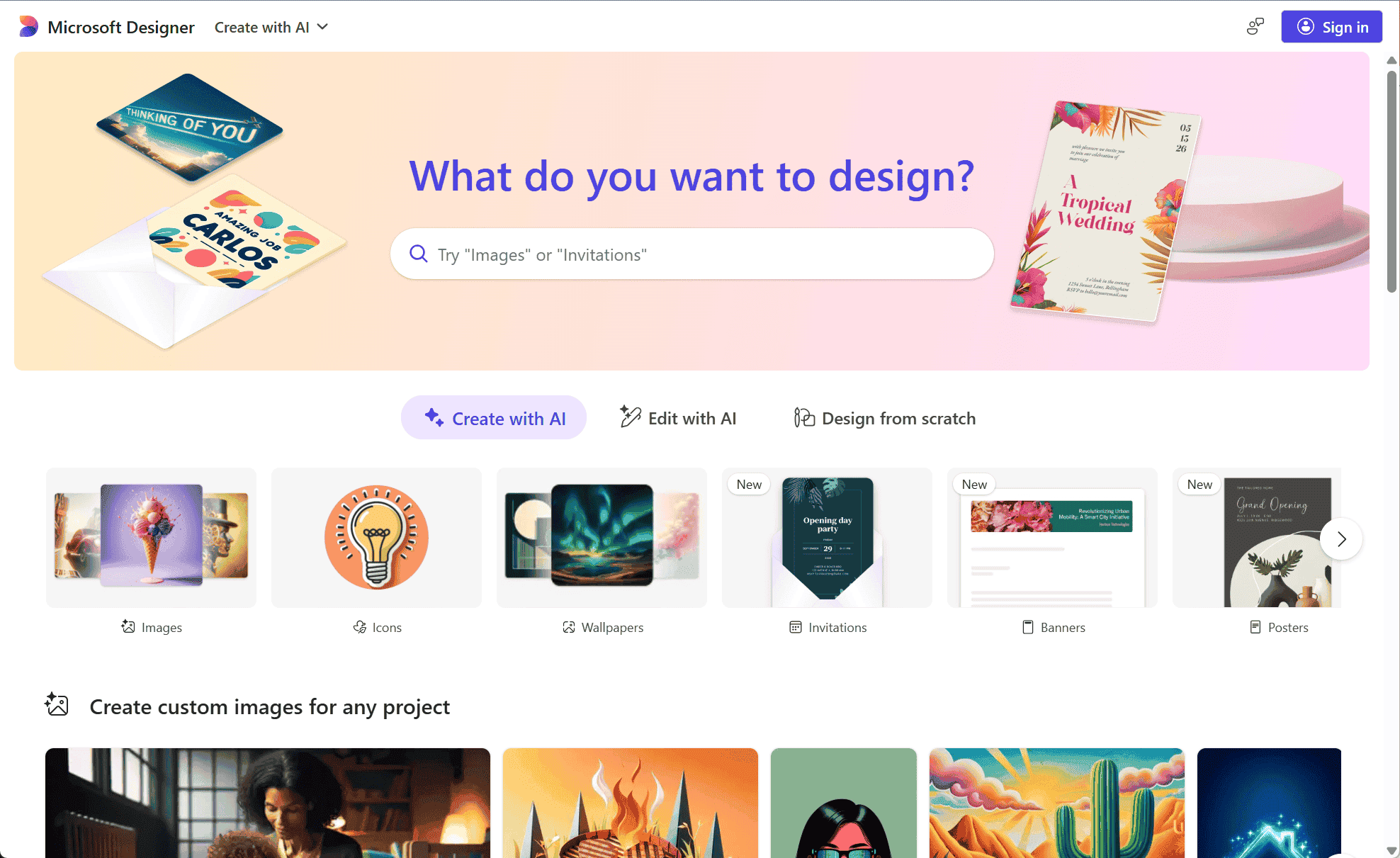
Microsoft Designer is an AI-driven graphic design tool that enables users to create professional-quality visuals effortlessly. Whether crafting social media posts, invitations, or digital postcards, Designer simplifies the design process, making it accessible even for those without a design background.
Key Features
-
AI-Generated Designs: Simply describe your idea, and Designer uses advanced AI to generate customized graphics that match your vision.
-
Smart Layout Suggestions: As you add elements to your design, the tool provides intelligent layout recommendations to enhance visual appeal.
-
Template Library: Access a wide range of customizable templates tailored for various occasions and platforms.
-
Seamless Integration: Designer integrates smoothly with Microsoft 365 applications like Word and PowerPoint, allowing for easy incorporation of designs into documents and presentations.
-
Cross-Platform Accessibility: Create and edit designs on the go with Designer’s web and mobile applications, ensuring flexibility and convenience.
How to Use Microsoft Designer
-
Sign In: Visit the platform and sign in with your Microsoft 365 account.
-
Choose a Template or Start from Scratch: Select a template that suits your project or begin with a blank canvas for full creative control.
-
Describe Your Design: Enter a brief description of the design you envision.
-
Customize Your Design: Use the AI-generated suggestions and layout tools to personalize your graphic.
-
Download or Share: Once satisfied with your design, download it in your preferred format or share it directly from the platform.
Ideal Users
-
Small Business Owners: Create consistent and professional branding materials without the need for a dedicated design team.
-
Social Media Managers: Quickly produce engaging content tailored for various platforms.
-
Event Planners: Design personalized invitations and promotional materials to enhance event visibility.
-
Educators and Students: Develop visually appealing educational materials and presentations.
Microsoft Designer empowers users to bring their creative ideas to life with ease, leveraging AI technology to streamline the design process. Its user-friendly interface and integration with Microsoft 365 make it a valuable tool for anyone looking to produce high-quality graphics efficiently.
data statistics
Relevant Navigation