
PIX FIX Image Repair
Pix Fix cleans up images damaged by noise and excessive JPEG compression.
Tags:Image processingImage Restoration JPEG Compression noise reduction Online Tool photo enhancement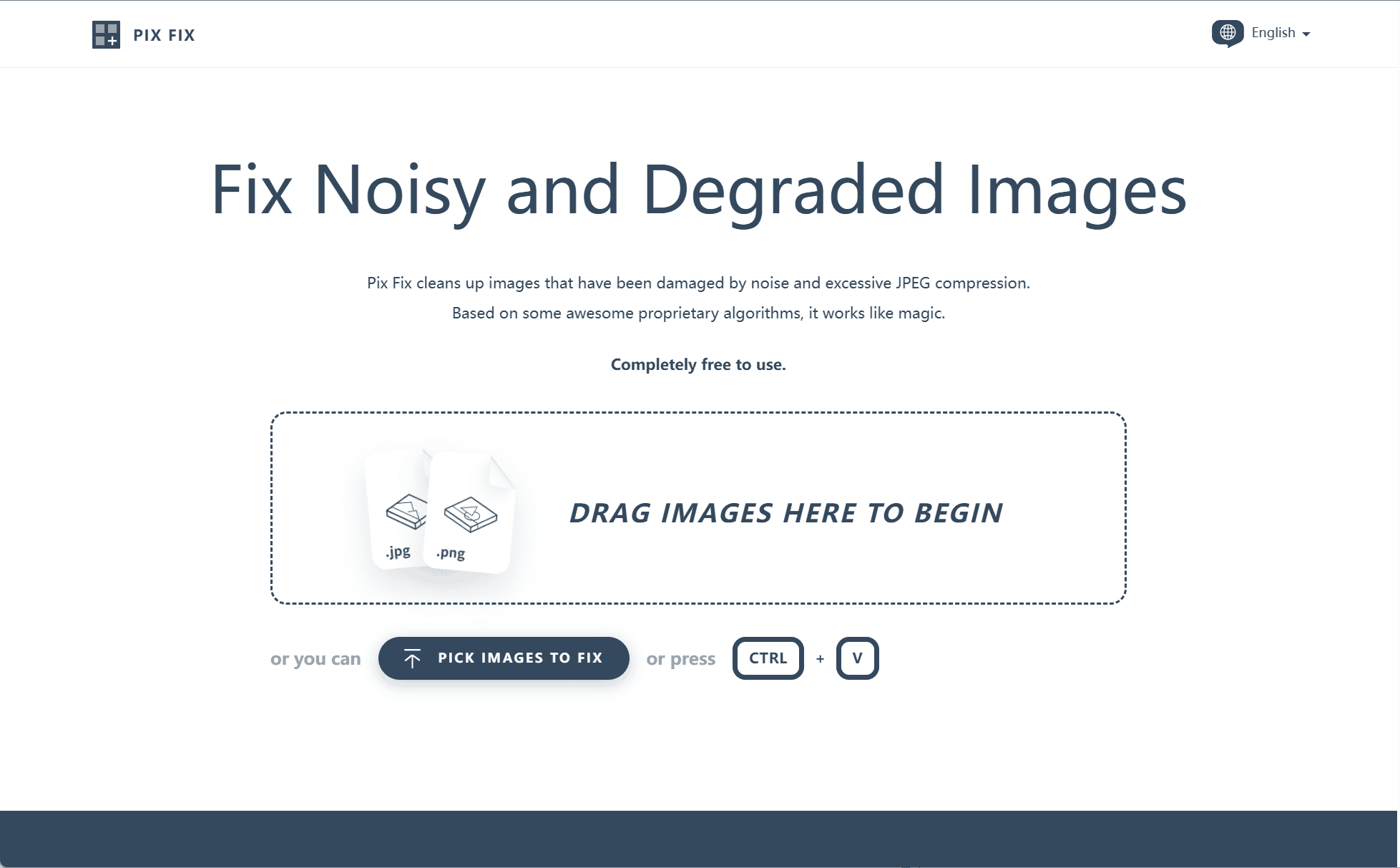
Introduction
In the digital age, image quality can often be compromised due to noise and compression artifacts. PixFix offers a straightforward solution to restore such images, enhancing clarity and detail directly within your browser.
Core Features
-
Dual Restoration Modes: PixFix offers two specialized modes tailored for different image types:
-
Graphics Mode: Best suited for rasterized vector art and scanned illustrations. This mode removes JPEG blocking noise and scan artifacts while preserving clean edges and smooth gradients.
-
Photo Mode: Designed for highly compressed photographs, this mode softens harsh artifacts and reconstructs a more natural visual appearance.
-
-
Customizable Smoothing Levels: Users can select smoothing intensity on a scale of 1 to 10, offering flexible control over the balance between sharpness and noise reduction.
-
Real-Time Preview: Users can instantly view results before saving, allowing adjustments to be made for optimal image restoration.
-
Batch Processing Support: Multiple images can be processed at once, making the tool suitable for larger restoration tasks.
Privacy and Accessibility
All image processing takes place locally in the browser via JavaScript. No images are uploaded to servers, ensuring complete privacy and data security. PixFix is free to use, requires no registration, and does not involve any software installation, making it highly accessible.
Conclusion
PixFix is a practical and privacy-focused tool for restoring images degraded by noise and compression. With its intuitive interface, adjustable settings, and dual restoration modes, it serves as a valuable resource for designers, photographers, and everyday users looking to enhance their images quickly and efficiently.
data statistics
Relevant Navigation