
SnipPaste
Convenient screenshot tool
Tags:Image processingcross-platform Floating Windows Productivity Screenshot Annotation Snipping Tool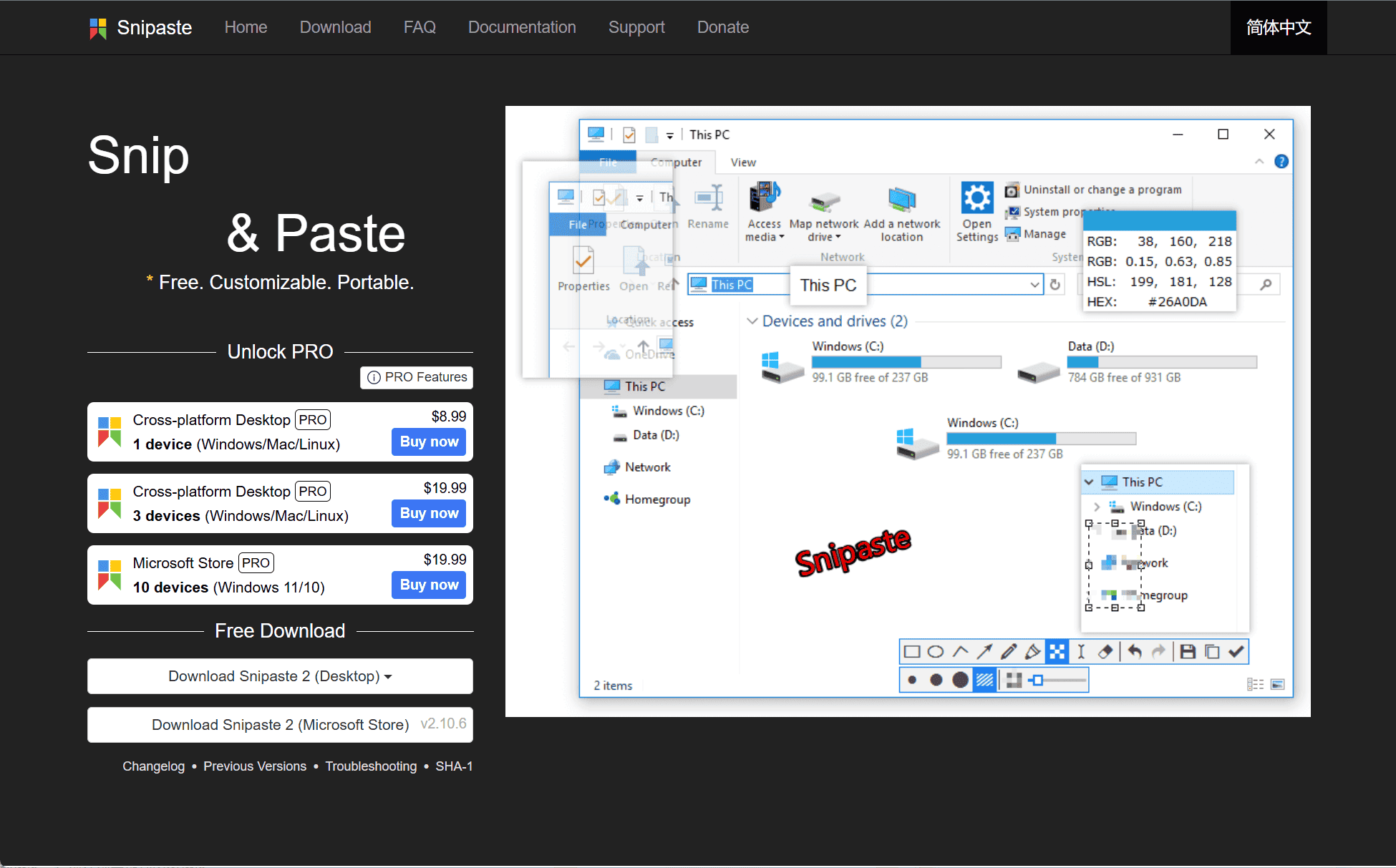
Introduction
In the realm of digital productivity, having a reliable tool to capture and manage screenshots is essential. Snipaste emerges as a powerful yet user-friendly application that not only allows for precise screen captures but also introduces innovative features to streamline your workflow.
Core Features
-
Intuitive Snipping: With a simple press of , initiate a snip, and use to paste it as a floating window on your screen. This functionality enables quick reference and comparison without cluttering your workspace.
F1F3 -
Advanced Annotation Tools: Enhance your screenshots using a variety of annotation options, including rectangles, ellipses, arrows, lines, text, and more. Additional tools like mosaic, Gaussian blur, and eraser provide further editing capabilities.
-
Floating Image Windows: Transform clipboard content—be it images, text, or color information—into floating windows. These can be resized, rotated, flipped, made translucent, or set to be click-through, offering dynamic ways to display information.
-
Customization: Tailor Snipaste to your preferences with customizable hotkeys, theme colors, interface fonts, and tray icons. This level of personalization ensures the tool adapts to your workflow seamlessly.
Platform Compatibility
Snipaste is available across multiple platforms, including Windows, macOS, and Linux, ensuring a consistent experience regardless of your operating system.
Conclusion
Snipaste stands out as a comprehensive snipping tool that goes beyond basic screenshot capabilities. Its combination of intuitive design, advanced features, and customization options makes it an indispensable asset for professionals and casual users alike seeking to enhance their digital productivity.
data statistics
Relevant Navigation