
Adobe Color
The best color matching for web designers
Tags:Match colorsAdobe Color color harmony color palette generator creative inspiration graphic design tools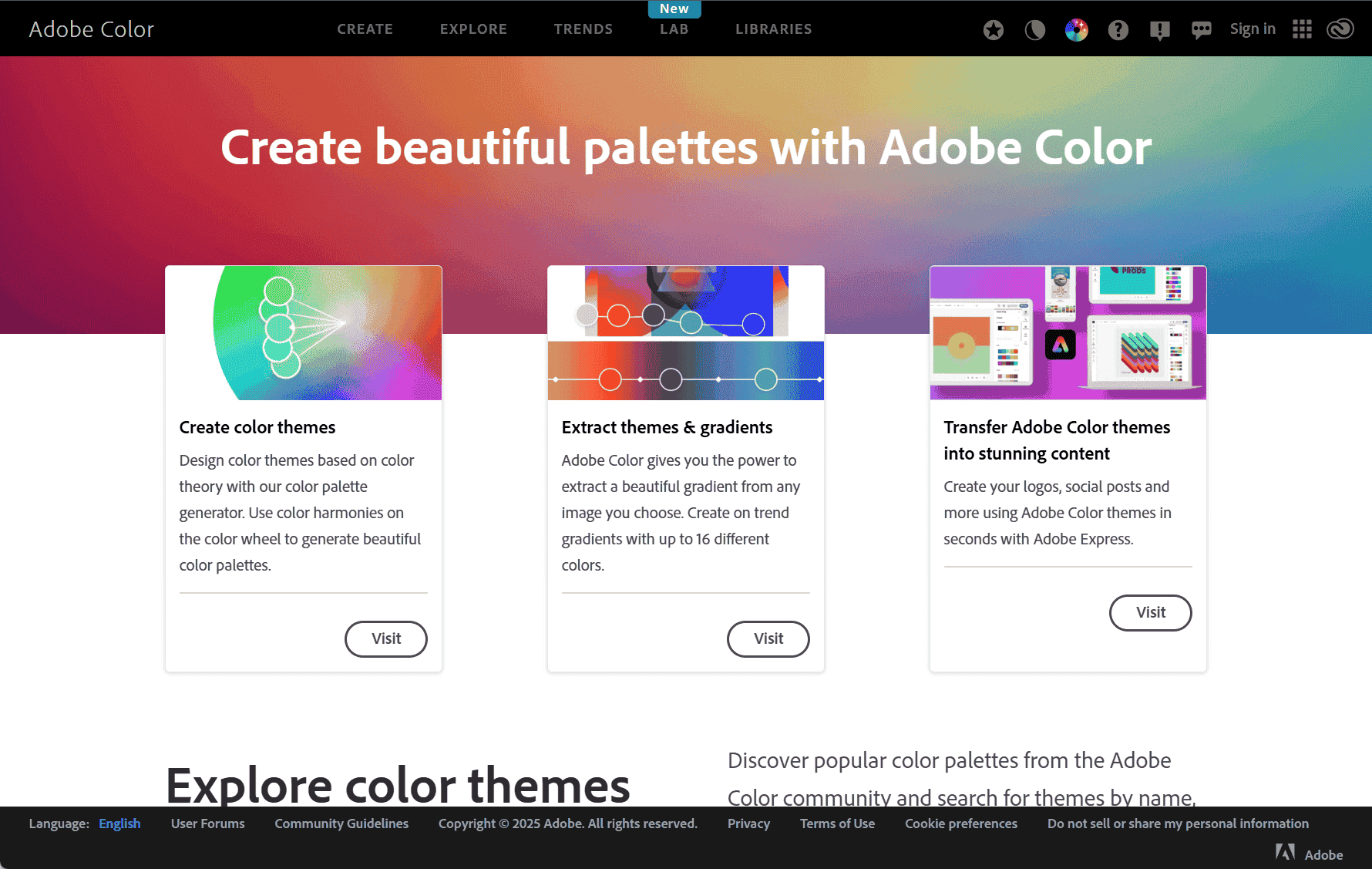
Adobe Color: A Comprehensive Tool for Color Design
Adobe Color is a free online tool developed by Adobe Systems that empowers designers, artists, and creatives to craft, explore, and share color themes. Accessible through its website, it serves as a robust platform for color inspiration and management.
Key Features of Adobe Color
1. Color Wheel and Harmony Rules
At the heart of Adobe Color is an interactive color wheel that allows users to generate palettes based on established harmony rules such as analogous, monochromatic, complementary, split-complementary, triadic, and tetradic. These rules help create visually balanced and aesthetically pleasing color combinations.
2. Extracting Themes from Images
Users can upload images to extract dominant colors, making it easy to develop palettes that reflect specific visuals. This feature is especially useful for maintaining color consistency across different media.
3. Access to Community and Trend Galleries
Adobe Color offers access to a large community where users can explore and share color themes. Trend galleries, curated from popular design platforms, showcase widely used and emerging color schemes, offering inspiration and insight into current aesthetics.
4. Seamless Integration with Adobe Creative Cloud
Color themes created or discovered can be saved directly to Adobe Creative Cloud Libraries. This enables seamless use across Adobe applications like Photoshop, Illustrator, and InDesign, promoting consistent color usage in design workflows.
5. Support for Multiple Color Modes
The tool supports a range of color modes including RGB, CMYK, LAB, HSV, and Pantone. This flexibility ensures that themes are adaptable to different design requirements, whether for digital media or print.
6. Export Options for Design Implementation
Color themes can be exported in multiple formats compatible with CSS, XML, and LESS, allowing for quick integration into web and app design projects while maintaining visual coherence.
Practical Applications
Adobe Color proves essential in various design contexts, including branding, user interface design, illustration, and marketing. It provides tools that not only simplify color scheme creation but also foster a sense of community and collaboration among creatives. The platform supports the full creative process—from inspiration to execution—ensuring color harmony and precision across all design elements.
Getting Started
Getting started with Adobe Color is straightforward. The tool is free to use, and an Adobe ID allows users to save and sync color themes across other Adobe apps. Whether you’re a professional designer or an aspiring creative, Adobe Color offers an intuitive and powerful way to manage color in your projects.
data statistics
Relevant Navigation