
Codiga
It helps developers improve code quality through real-time detection, intelligent suggestions and historical analysis.
Tags:AI Programmingautomated code review CI/CD integration code snippet manager developer productivity static code analysis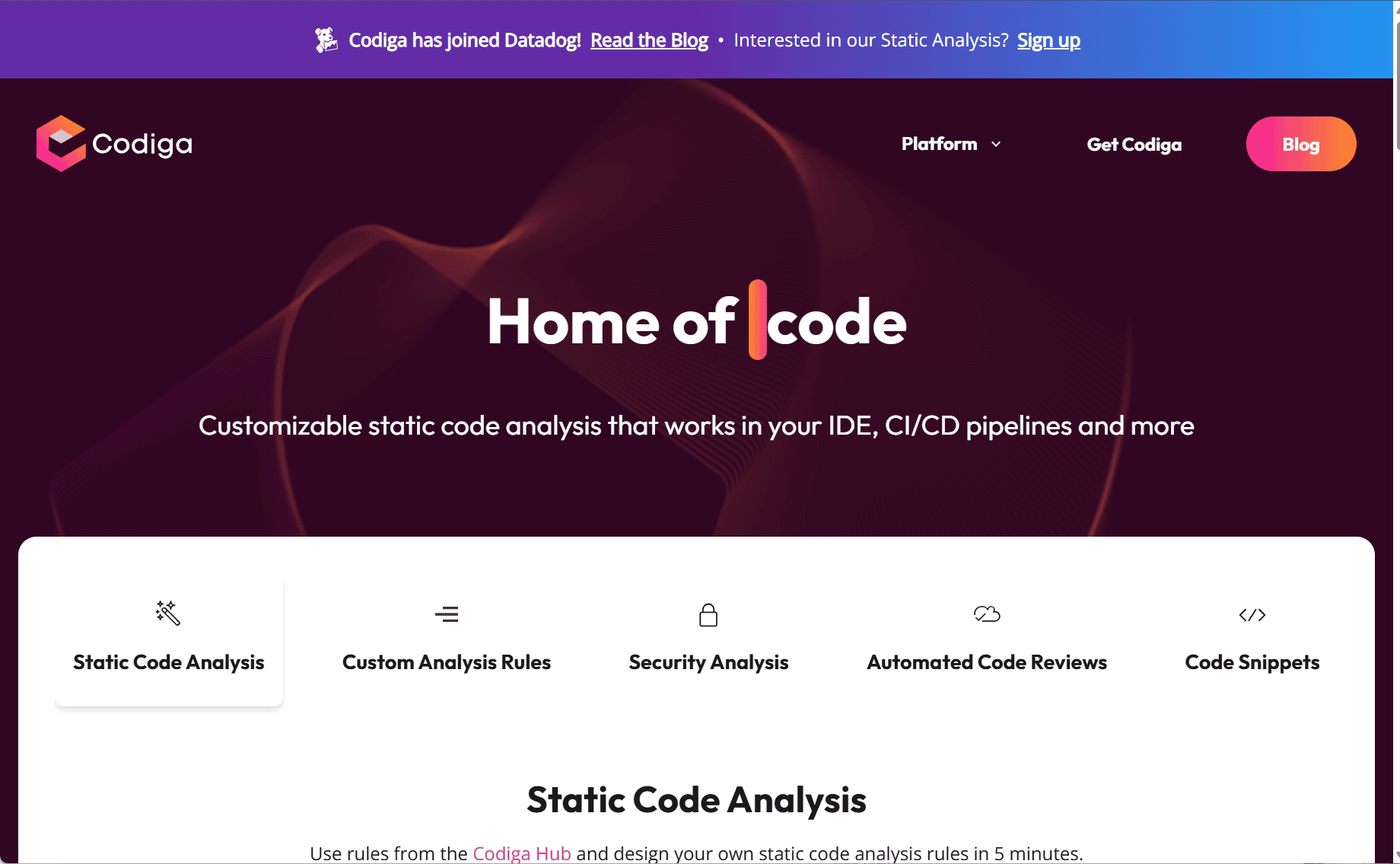
Codiga: Streamlined Static Code Analysis and Snippet Management
Codiga is a powerful development tool that provides real-time static code analysis, automated code reviews, and a smart code snippet manager—all integrated directly into the developer’s workflow.
Key Capabilities
-
Instant Code Analysis & Fixes
Codiga delivers immediate, in-editor feedback with automated suggestions based on widely recognized security and quality rulesets. -
Automated Pull Request Reviews
It scans commits and pull requests within seconds, highlighting issues such as violations, duplication, and complexity before merging. -
Cross-Platform IDE and CI/CD Integration
Compatible with major IDEs like VS Code, JetBrains, and Visual Studio, and integrates with CI/CD tools like GitHub, GitLab, Bitbucket, CircleCI, and Travis CI. -
Customizable Rule Sets
Developers can create and apply custom rules tailored to their codebase, improving accuracy and relevance through a centralized rule management hub. -
Smart Code Snippet Library
The platform includes a curated collection of reusable code snippets and “cookbooks,” helping developers save significant time each week. -
Security & Infrastructure Analysis
Codiga detects exposed secrets like API keys and checks infrastructure configuration files, including Terraform and Docker. -
Extensive Language and Rule Support
With support for over a dozen programming languages and thousands of actively maintained rules, Codiga keeps analysis up to date.
Benefits
-
Improved Code Quality & Security
Early detection of errors and vulnerabilities ensures clean, secure, and maintainable code. -
Accelerated Development
Developers reduce manual review time, making shipping faster and more reliable. -
Team Collaboration & Consistency
Shared standards and snippets ensure consistent code practices across teams. -
Secure Engineering Workflows
Enforces compliance and security best practices across the development lifecycle.
Ideal Use Cases
Codiga is ideal for:
-
Developers enhancing personal workflows
-
Engineering teams standardizing quality checks
-
Security-focused teams enforcing safe practices
-
CI/CD pipelines automating code validation
Getting Started
Users can install Codiga in their preferred IDE, link their repositories, and begin receiving instant feedback. A free tier is available for individuals, while premium plans unlock more advanced features for teams and organizations.
data statistics
Relevant Navigation