
Wonder Studio
Can automatically create animations, lighting, and combine CG characters into live-action scenes
Tags:Ai visual generationAutodesk Flow Studio CG character animation filmmaking tools VFX automation Visual Effects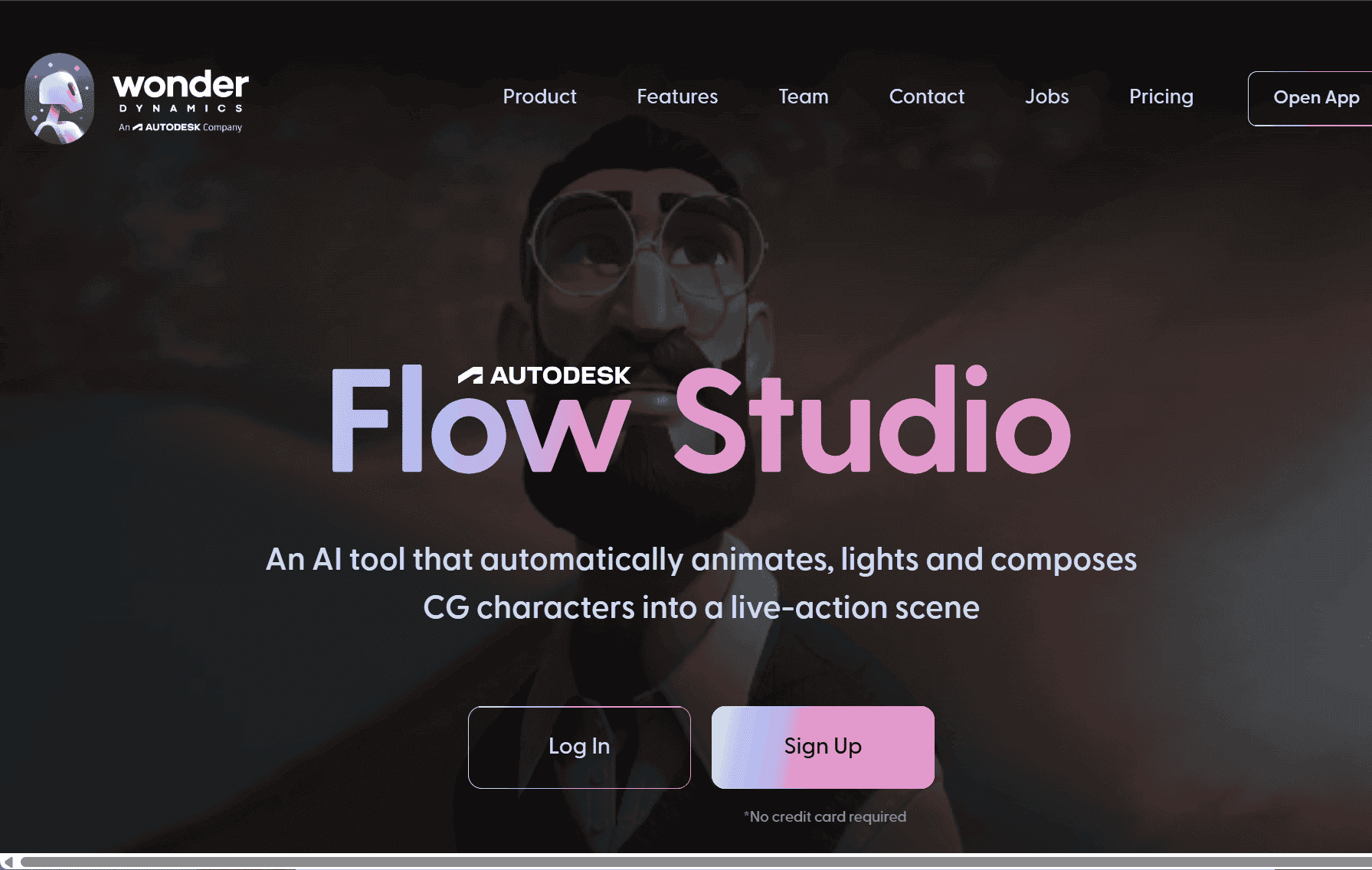
Revolutionizing Visual Effects with Autodesk Flow Studio
In the realm of filmmaking and digital content creation, the integration of advanced technology has ushered in a transformative era. One standout innovation in this space is Autodesk Flow Studio, formerly known as Wonder Studio. This tool is designed to streamline the process of incorporating computer-generated (CG) characters into live-action scenes, making high-quality visual effects (VFX) more accessible to creators of all levels.
Simplifying Complex Processes
Traditionally, adding CG characters to live-action footage requires intricate processes involving motion capture, detailed lighting setups, and advanced compositing techniques. These steps often necessitate specialized equipment and expertise. Autodesk Flow Studio simplifies this workflow by automating key aspects:
-
Automatic Animation: The tool analyzes footage from a single camera, detecting actor movements and translating them onto CG characters.
-
Lighting and Compositing: It adjusts lighting and integrates the CG characters seamlessly into the scene, ensuring realistic interactions with the environment.
-
Performance Transfer: The system captures the nuances of the actor’s performance, including facial expressions and hand movements, and applies them to the digital character.
By automating these complex tasks, Autodesk Flow Studio allows creators to focus more on storytelling and artistic direction, rather than the technicalities of VFX production.
User-Friendly Interface
Autodesk Flow Studio is designed with user accessibility in mind. Artists can upload their CG character models and corresponding footage directly into the platform. The tool then processes the material, applying the necessary animations, lighting, and compositing. This browser-based approach eliminates the need for expensive hardware or advanced software, democratizing the creation of high-quality VFX.
Integration with Industry Tools
For professionals working within established pipelines, Autodesk Flow Studio offers compatibility with popular software such as Blender, Unreal Engine, and Autodesk Maya. This seamless integration ensures that assets created within Flow Studio can be easily exported and utilized in other stages of production.
Subscription Plans
Autodesk Flow Studio offers various subscription tiers to cater to different user needs:
-
Lite Plan: Priced at $24.99 per month (or $16.99 with annual billing), this plan provides access to essential features suitable for smaller-scale projects.
-
Pro Plan: At $124.99 per month (or $84.99 annually), the Pro Plan unlocks advanced capabilities and enhanced tools for more complex work.
-
Enterprise Plan: Custom pricing is available for tailored features and support, ideal for large-scale or specialized needs.
All plans include a commercial license, allowing users to monetize their projects.
A Step Towards the Future of Filmmaking
Autodesk Flow Studio represents a significant leap forward in the realm of visual effects. By harnessing advanced technology, it simplifies complex processes, making high-quality VFX accessible to a broader range of creators. Whether you’re an independent filmmaker, a content creator, or a professional studio, Autodesk Flow Studio offers a powerful toolset to bring your creative visions to life with efficiency and ease.
data statistics
Relevant Navigation