
Auxi
A powerful Microsoft PPT plug-in that allows you to convert hand-drawn PPT sketches into PowerPoint slides
Tags:AI generates PPTConsultant Tools PowerPoint Add-In Presentation Automation Productivity Enhancement slide design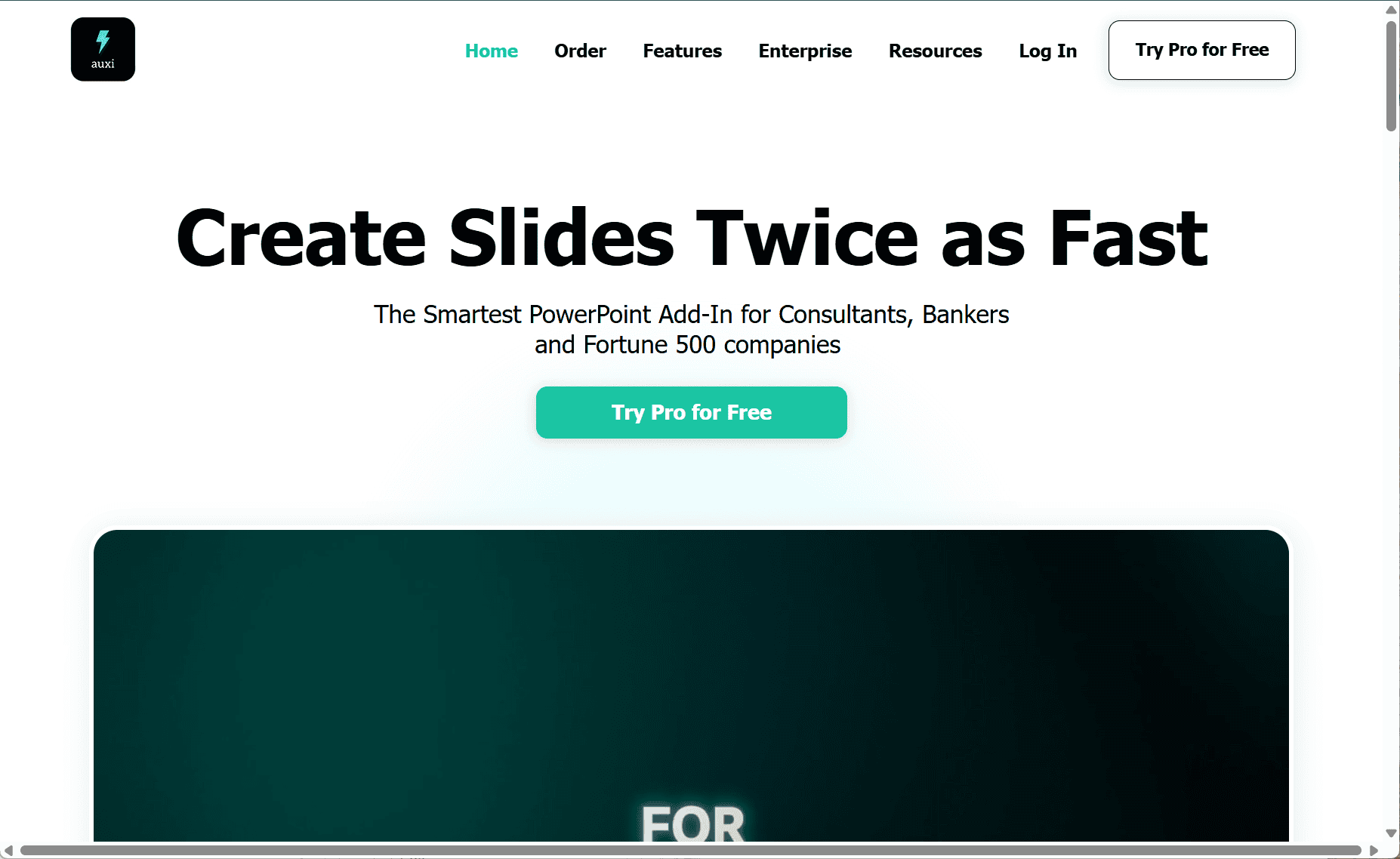
Auxi is a powerful PowerPoint add-in tailored for professionals like consultants, bankers, and analysts, helping them create polished, brand-consistent presentations quickly and efficiently.
Key Features
-
Smart Slide Recommendations
Auxi analyzes content and offers one-click layout suggestions, streamlining formatting and visual structuring. -
Advanced Text Assistance
Includes tools to expand rough ideas, correct grammar, summarize content, rephrase into concise bullets, and convert hand-drawn sketches into formatted slides. -
Editing and Compliance Tools
Features like alignment tools, agenda management, and content checkers help ensure consistency, clarity, and adherence to corporate branding. -
Sketch-to-Slide Conversion
Users can draw frameworks or diagrams, and Auxi transforms them into editable, professional slides within PowerPoint. -
Multi-Language Support
Translate entire slide decks into over 50 languages while maintaining layout integrity and formatting.
Benefits
-
Time-Saving Productivity
Auxi significantly reduces the time spent on formatting and structuring slides, enabling users to work up to twice as fast. -
Brand Alignment
With support for brand guidelines and enterprise-grade compliance (GDPR, SOC II), teams can ensure every presentation remains consistent. -
Ease of Use
Fully integrated into PowerPoint with smart keyboard shortcuts, Auxi has a minimal learning curve and fits seamlessly into existing workflows.
Plans
-
Pro Plan: Offers over 100 design tools at approximately $25–30/user per month.
-
Enterprise Plan: Includes advanced features such as sketch-to-slide, content recommendations, and tailored support for organizations.
A free trial is available for those who want to explore the features before committing.
Conclusion
Auxi streamlines presentation creation with intelligent design automation, text assistance, and layout control—all directly inside PowerPoint. It’s a valuable tool for professionals seeking to boost productivity and maintain presentation quality with minimal effort.
data statistics
Relevant Navigation