IOPaint
Free and open source AI image preservation, restoration and processing tools
Tags:Ai visual generationAI photo editor image inpainting object removal open-source outpainting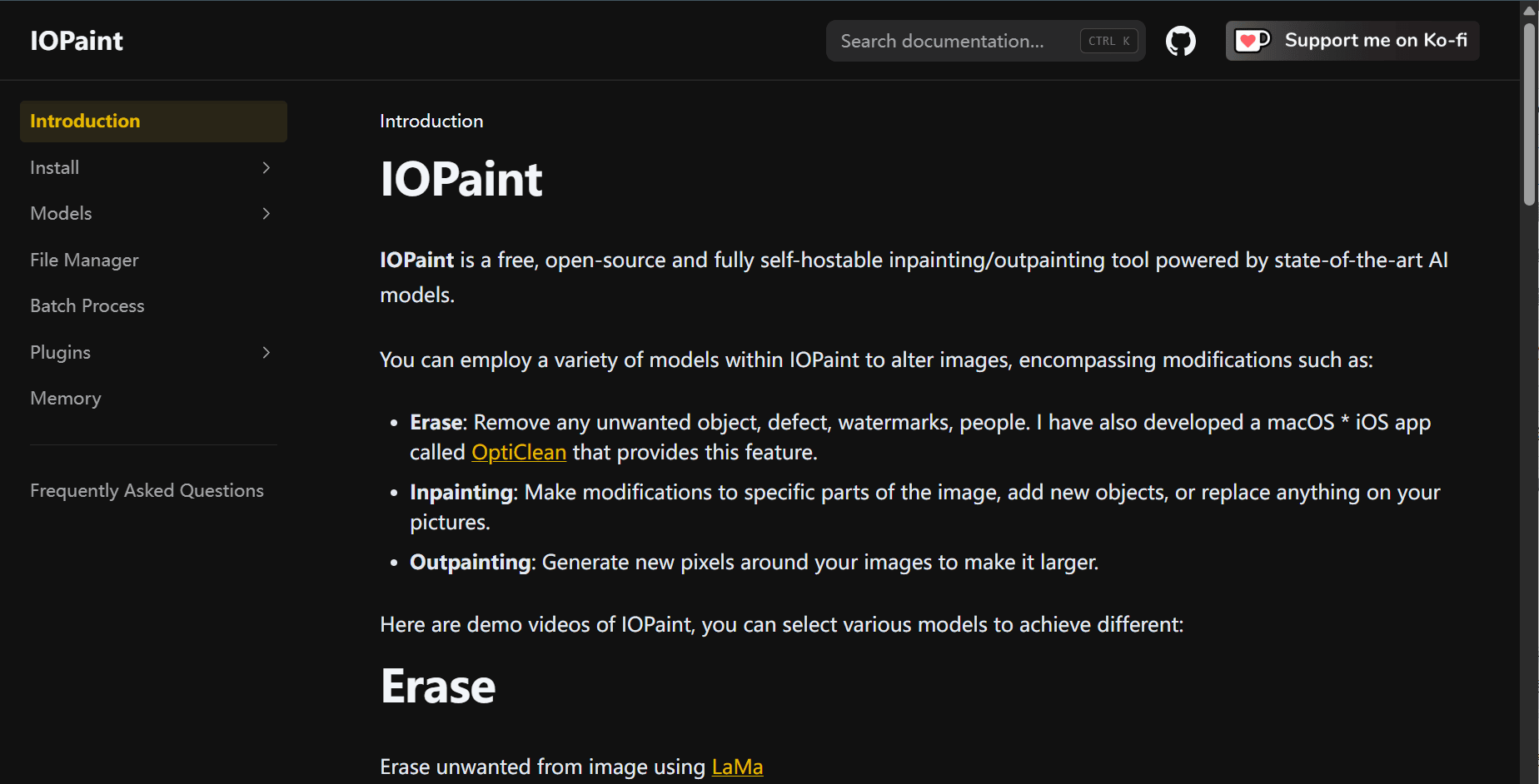
IOPaint Overview
IOPaint is a free, open-source image editing tool that excels in inpainting and outpainting. Designed for both casual users and developers, it offers advanced features like object removal, background extension, face restoration, and batch editing—all without any cost or subscription. It runs on Windows, macOS, Linux, and even directly in the browser, supporting CPU, GPU, and Apple Silicon.
Key Features
-
Object Removal: Erase people, logos, watermarks, and blemishes using advanced models such as LaMa, ZITS, and MAT.
-
Inpainting: Seamlessly replace parts of an image using smart fill tools guided by text or sample images.
-
Outpainting: Extend your image canvas beyond the original boundaries while maintaining style and consistency.
-
Plugin System: Add-ons include face restoration, super-resolution, background removal, and segmentation tools.
-
Batch Processing: Automate edits for multiple images using command-line tools.
-
Cross-Platform Support: Available on most operating systems and can be deployed locally or accessed through the browser.
Installation Options
Users can:
-
Run it instantly online via demo platforms
-
Install via pip commands locally with a few simple steps
-
Choose and load models for erasing, diffusion, or enhancement as needed
Article: IOPaint – A Professional Image Editor with No Strings Attached
In a digital world driven by visuals, a powerful image editor can make all the difference. IOPaint is here to fill that role—without charging a cent. This open-source platform lets users remove objects, repair damaged images, and extend photo backgrounds with surprising precision.
Erase Flaws with a Click
Unwanted elements—like random people in the background or distracting watermarks—can be wiped away using intelligent erase models. The edited area blends smoothly, keeping the image looking natural.
Expand Your Frame
Need to fit an image into a larger format? IOPaint’s outpainting function can extend your photo beyond its edges, filling the empty space with textures, patterns, or scenery that feel authentic to the original.
Smart Inpainting That Just Works
You can reconstruct or redesign part of an image using text prompts or sample references. This is particularly useful for fixing broken photos, redesigning a product, or updating branding assets.
Plug In and Power Up
IOPaint goes further with optional plugins. Enhance faces with restoration models, upscale blurry images to high resolution, or automatically remove backgrounds. Each plugin is lightweight and easy to integrate.
For Solo Creators and Developers
Whether you’re editing one photo or managing hundreds, IOPaint has you covered. The browser-based demo is perfect for one-off jobs, while the local installation supports batch processing and automation through simple commands.
Completely Free, Fully Yours
There are no subscriptions, no premium features hidden behind a paywall. Everything from simple cleanup to complex editing is accessible to anyone willing to spend a few minutes setting things up. It’s a tool that belongs to the community—and it’s getting better all the time.
data statistics
Relevant Navigation