Google Image Search
Google's official image search tool
Tags:Image searchGoogle Images Image Search online tools Reverse Image Search visual content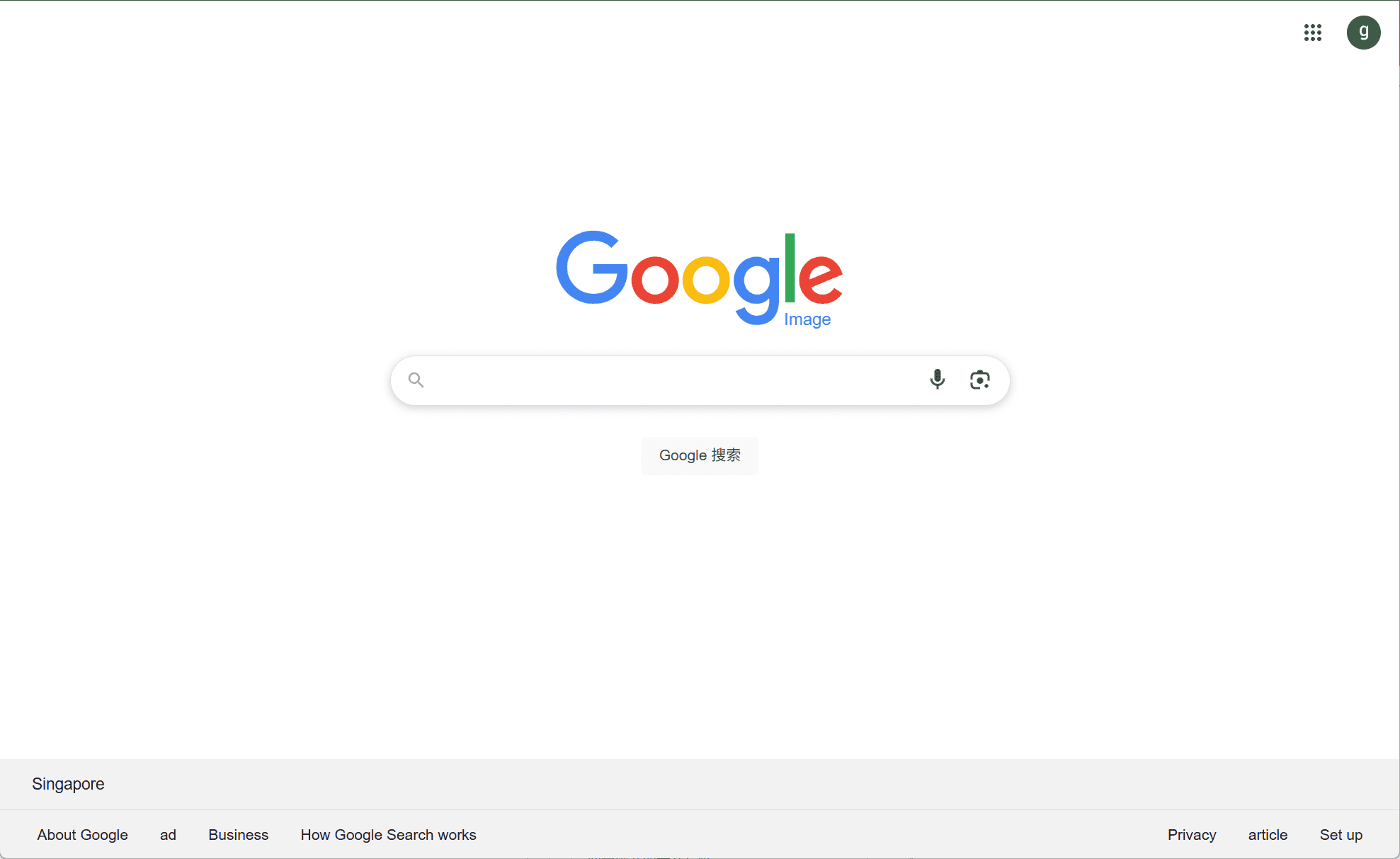
Introduction
In today’s digital landscape, visual content plays a pivotal role in communication, education, and marketing. Google Images serves as a vital tool, allowing users to search and discover images from the vast expanse of the internet. Whether for academic research, creative projects, or personal use, this platform provides a user-friendly interface to access a multitude of images.
Core Features
-
Extensive Image Indexing: Google Images indexes billions of images by crawling web pages, analyzing image file names, alt text, captions, and surrounding content to provide relevant search results.
-
Advanced Search Filters: Users can refine their searches using filters such as image size, color, type (e.g., photo, clip art), and usage rights, ensuring more precise results.
-
Reverse Image Search: This feature allows users to search using an image instead of text. By uploading an image or providing its URL, Google Images can find similar images and related information.
-
SafeSearch Filtering: To provide a safer browsing experience, SafeSearch can be enabled to filter out explicit content from search results.
User Experience
Google Images offers a straightforward and intuitive interface. Upon entering a query, users are presented with a grid of image thumbnails. Clicking on a thumbnail provides a larger view, along with details such as image dimensions and the hosting website. The platform also integrates seamlessly with other Google services, enhancing the overall user experience.
Applications
-
Educational Use: Students and educators can find relevant images to support learning materials and presentations.
-
Creative Projects: Designers and artists can source inspiration and visual elements for their work.
-
Content Creation: Bloggers and marketers can locate images to complement their content, ensuring engagement and visual appeal.
-
Research: Researchers can utilize images to support their studies, presentations, and publications.
Conclusion
Google Images stands as a comprehensive and accessible tool for anyone seeking visual content online. Its robust features, including advanced search filters and reverse image search, make it an indispensable resource for a wide range of users. By continuously updating its algorithms and expanding its database, Google Images ensures that users have access to the most relevant and high-quality images available on the web.
data statistics
Relevant Navigation