PDF Candy
Free online PDF editor available for download on Windows desktop
Tags:Design toolsOCR PDF converter online PDF tools PDF compression PDF editor PDF security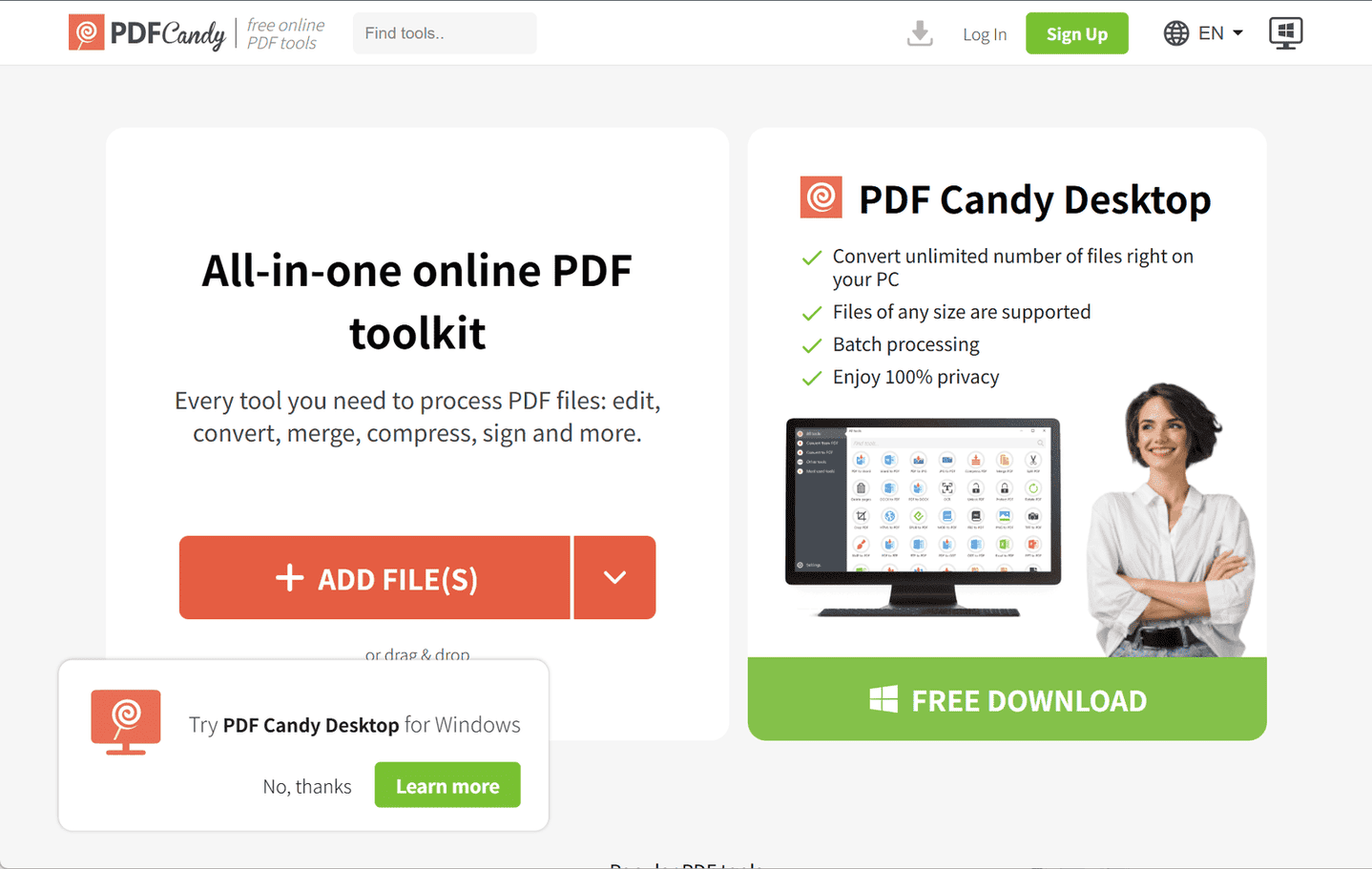
PDF Candy is a versatile online platform offering over 80 free tools for managing PDF files. Accessible through any modern web browser, it enables users to edit, convert, merge, split, compress, and secure PDF documents without needing software installation.
Key Features:
-
Extensive Toolset: PDF Candy provides numerous tools, including PDF to Word conversion, JPG to PDF conversion, compression, merging, splitting, and editing. Users can also add watermarks, page numbers, and annotations. The platform supports Optical Character Recognition (OCR) to convert scanned PDFs into editable text.
-
User-Friendly Interface: Featuring an intuitive drag-and-drop interface, PDF Candy makes uploading and processing PDF files simple for both novice and experienced users.
-
Cross-Platform Accessibility: Being web-based, PDF Candy works across various operating systems like Windows, macOS, Linux, and mobile platforms, allowing users to access the tools from virtually any device with internet.
-
Privacy and Security: The platform deletes uploaded files from its servers after one hour to maintain user confidentiality and ensure privacy.
Limitations:
-
The free version restricts users to one task per hour unless they subscribe to a premium plan, which may be limiting for users with multiple files to process.
-
The desktop application is available only for Windows, which may restrict access for users on other operating systems.
Conclusion:
PDF Candy offers a comprehensive, user-friendly solution for online PDF management. Its wide range of features, easy interface, and accessibility make it suitable for both individuals and businesses. Despite some limitations in free usage and desktop availability, it remains a reliable choice for efficient and secure PDF handling.
data statistics
Relevant Navigation