PDF.to
A free PDF converter for Windows, Mac and Linux
Tags:Design toolsdocument management file compression OCR tools online PDF editor PDF conversion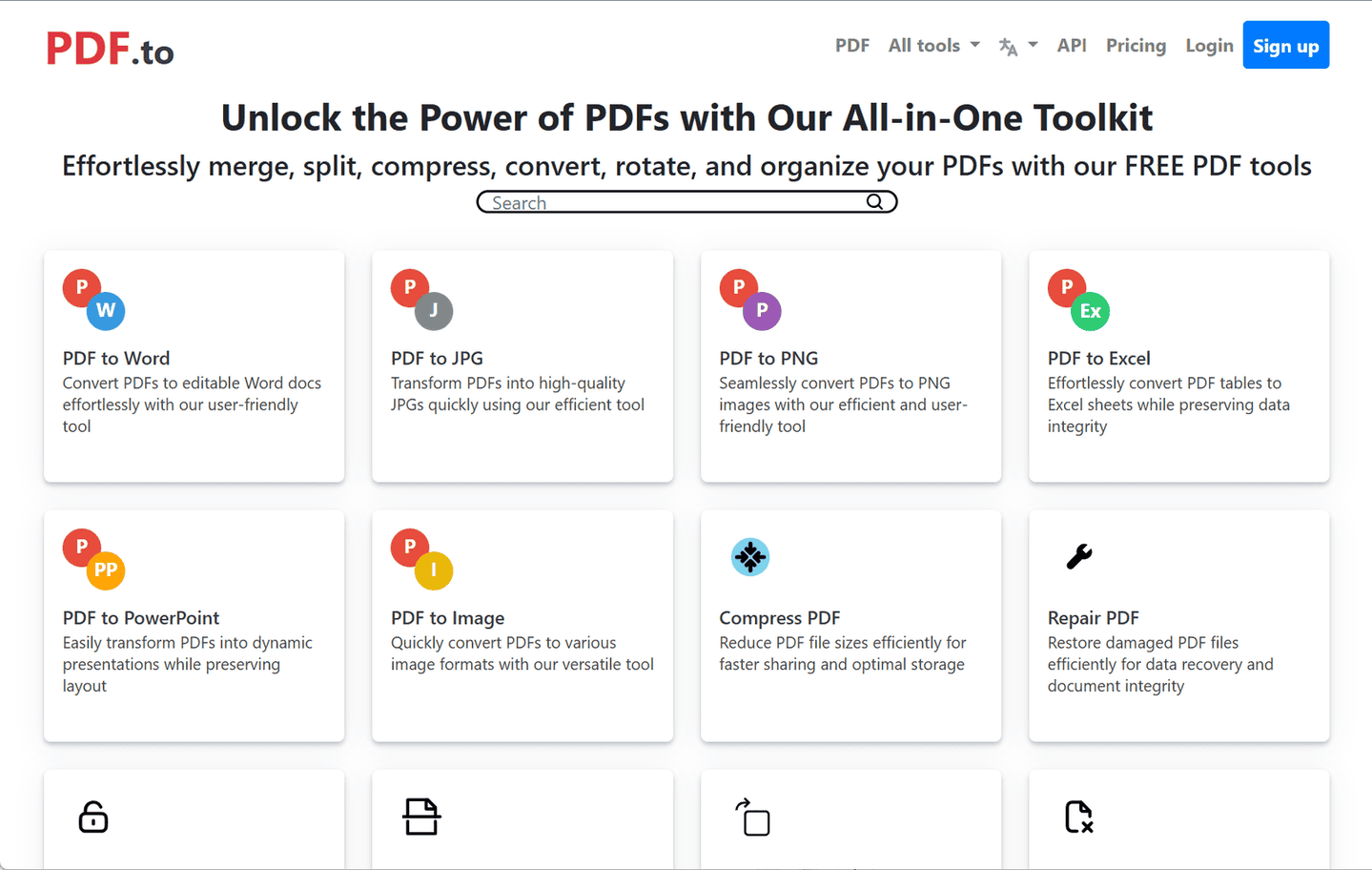
PDF.to: A Comprehensive Overview
PDF.to is an all-in-one online platform designed to handle a wide array of PDF-related tasks efficiently. It offers a suite of tools that enable users to convert, compress, edit, and manage PDF files seamlessly.
Key Features
-
Versatile File Conversion
PDF.to supports conversion between PDFs and various formats, including Word, Excel, PowerPoint, JPG, PNG, SVG, HTML, TXT, ePub, and more. It also facilitates conversions from these formats back to PDF. -
Comprehensive PDF Management
Users can merge, split, rotate, and delete pages within PDF documents. The platform also offers tools to compress file sizes, repair corrupted PDFs, and unlock password-protected files. -
Optical Character Recognition (OCR)
PDF.to includes OCR capabilities, allowing users to extract text from scanned documents and images, converting them into editable formats. -
User-Friendly Interface
The platform is designed for ease of use, with a straightforward interface that requires no registration or software installation. -
API Access
For developers and businesses, PDF.to provides API access to integrate its functionalities into custom applications and workflows.
Applications
PDF.to is suitable for:
-
Students and Educators
Converting lecture notes and assignments between various formats. -
Business Professionals
Managing contracts, reports, and presentations with ease. -
Designers and Creatives
Transforming PDFs into image formats for design projects. -
Developers
Integrating PDF functionalities into applications via the provided API.
Conclusion
PDF.to stands out as a comprehensive solution for managing PDF files, offering a wide range of tools that cater to diverse user needs. Its versatility and user-friendly design make it a valuable resource for individuals and professionals alike.
data statistics
Relevant Navigation