Optimizilla
Use the best optimization and compression algorithms to achieve the smallest possible size for JPEG, GIF, and PNG images
Tags:Design toolsbatch image compressor free image tool Image Compression online image optimizer reduce image size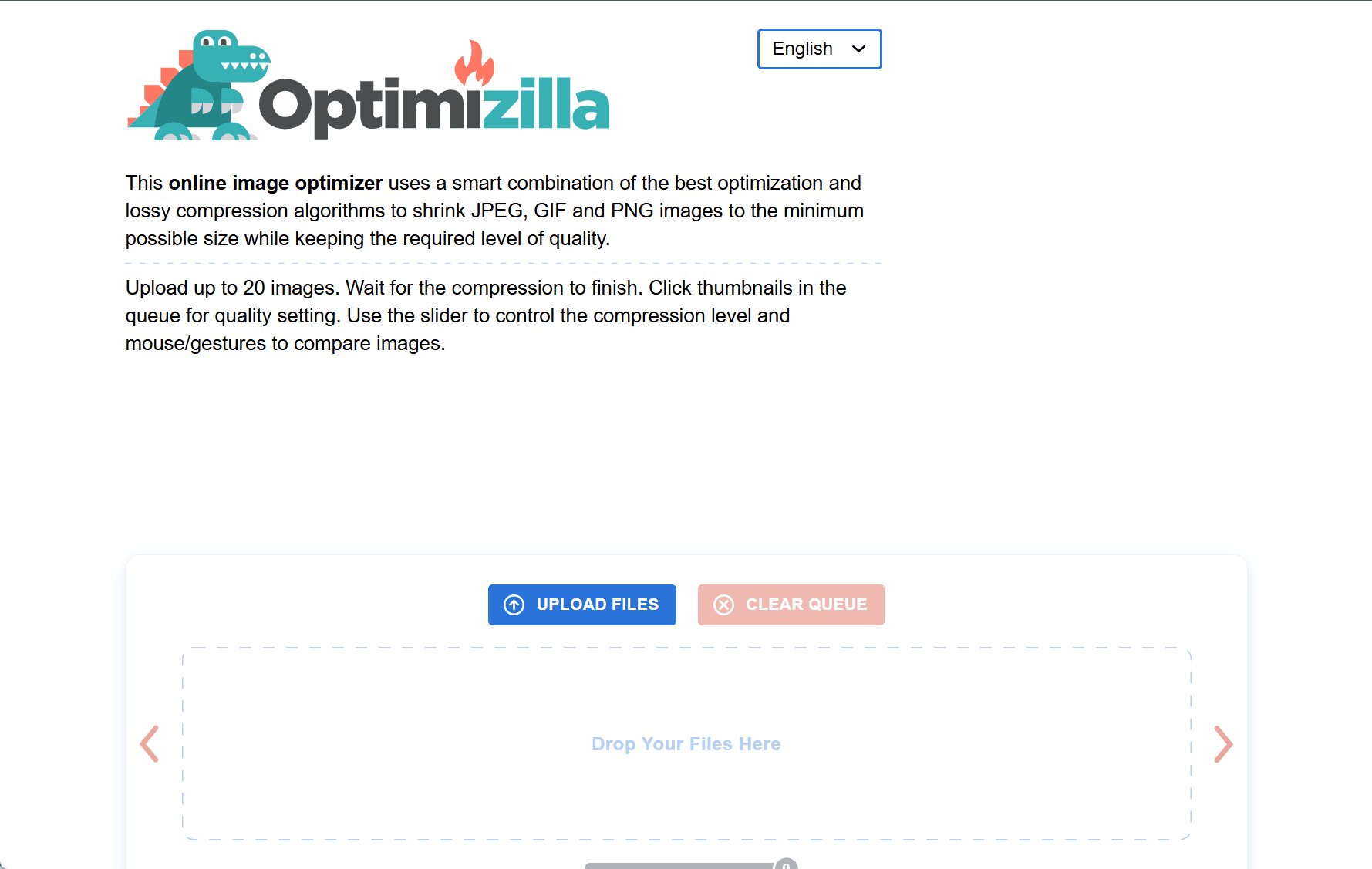
ImageCompressor.com is a free, browser-based tool designed to reduce the file size of images while preserving visual quality. Supporting PNG, JPG/JPEG, and GIF formats, it provides a fast and efficient way to optimize images for web use, sharing, and storage.
Key Features
Lossy Compression
The tool uses advanced compression algorithms to minimize file size without significantly degrading image quality. This helps reduce load times and save bandwidth.
Batch Processing
Users can upload and compress up to 20 images at once, making it ideal for bulk tasks. The drag-and-drop interface simplifies the process for quick results.
Customizable Quality Settings
Each image can be individually adjusted using a quality slider. This allows users to balance compression level and visual quality based on specific needs.
Real-Time Preview
Users can view the compressed image alongside the original to compare quality and size reduction instantly, ensuring the desired outcome before downloading.
Privacy-Focused
All uploaded files are automatically deleted from the server after one hour, helping to ensure data privacy and temporary file storage.
How to Use
-
Upload images by clicking the “Upload Files” button or dragging them into the upload area.
-
Adjust compression quality for each image using the slider.
-
After processing, download individual files or all compressed images in a ZIP archive.
-
Click “CLEAR QUEUE” to reset and start a new session if needed.
ImageCompressor.com is a reliable solution for anyone needing to reduce image sizes without installing additional software. Its blend of efficiency, quality control, and ease of use makes it a valuable tool for web designers, marketers, and everyday users alike.
data statistics
Relevant Navigation