X-Icon Editor
Create high-resolution icons
Tags:Design toolsbrowser-based icon maker custom favicon favicon creator online icon editor web design tool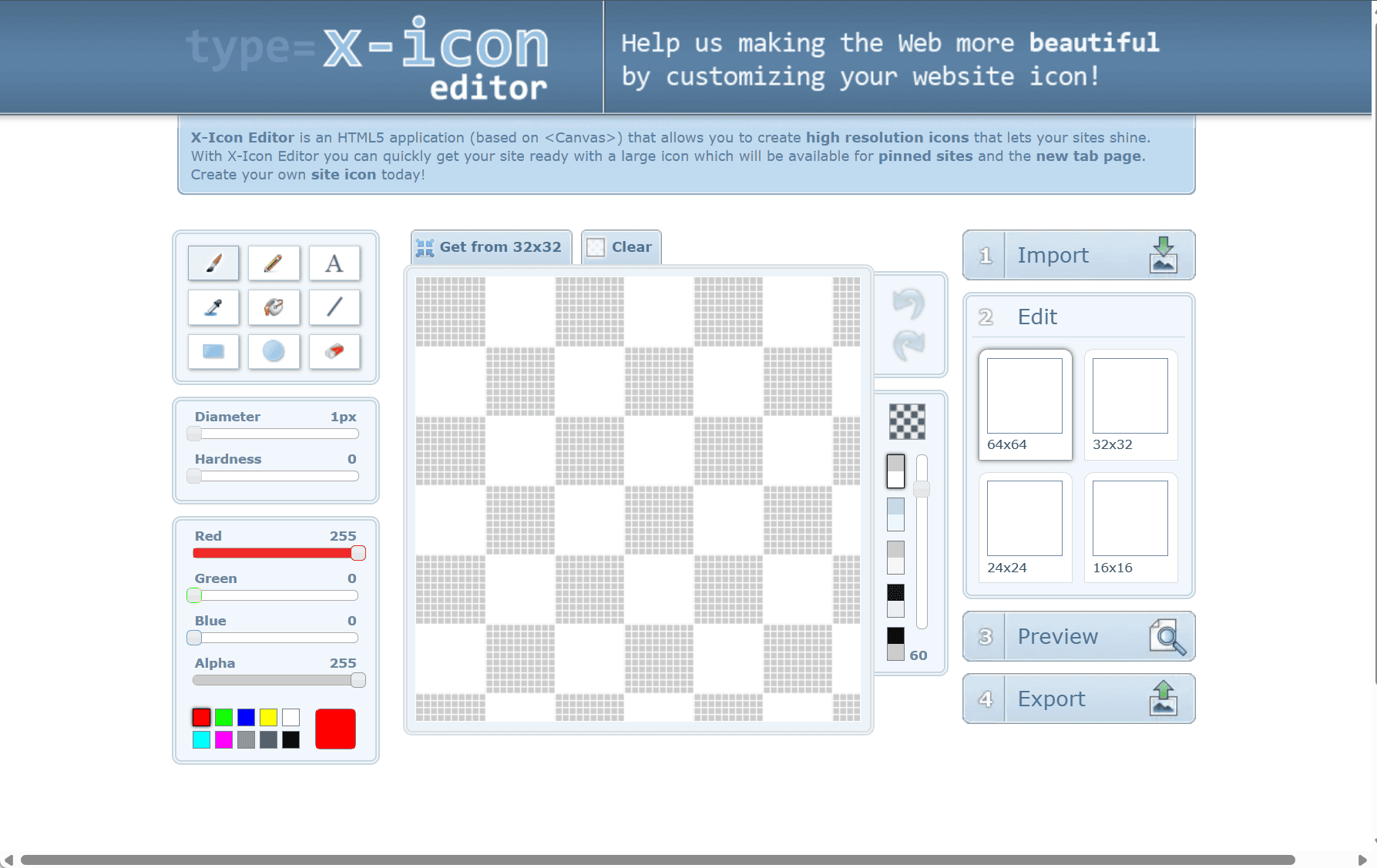
X-Icon Editor is a free, browser-based tool that enables users to create high-resolution icons (favicons) directly within their web browsers. Built using HTML5 and the element, it allows for the creation of icons that enhance website branding, especially when pinned to the Windows taskbar or displayed in the browser’s new tab page.
Key Features
Multiple Image Format Support
The editor accepts various image formats, including PNG, JPG, BMP, GIF, and ICO. Users can import images in these formats to create their desired icons.
Dynamic Cropping
After importing an image, users can crop it dynamically to focus on the specific area they want to highlight in the icon. (Cropping is not supported for ICO files.)
Customizable Icon Sizes
Users can generate icons in multiple sizes: 16×16, 24×24, 32×32, and 64×64 pixels. This ensures compatibility across different platforms and devices.
Preview and Export Options
Once the icon is created, users can preview it to confirm it meets their expectations. After finalizing, the icon can be exported for use on websites or applications.
How to Use
-
Upload your image by clicking the “Upload” button. Supported formats include JPG, GIF, BMP, PNG, and ICO.
-
Use the cropping tool if needed to select the desired area (not available for ICO files).
-
Choose the icon sizes you want to generate: 16×16, 24×24, 32×32, and 64×64 pixels.
-
Preview your icon by clicking the “Preview” button.
-
When satisfied, click the “Export” button to download your icon.
X-Icon Editor is an efficient tool for web developers and designers to create custom icons without specialized software. Its intuitive interface and versatile features make it a great choice for improving website branding.
data statistics
Relevant Navigation