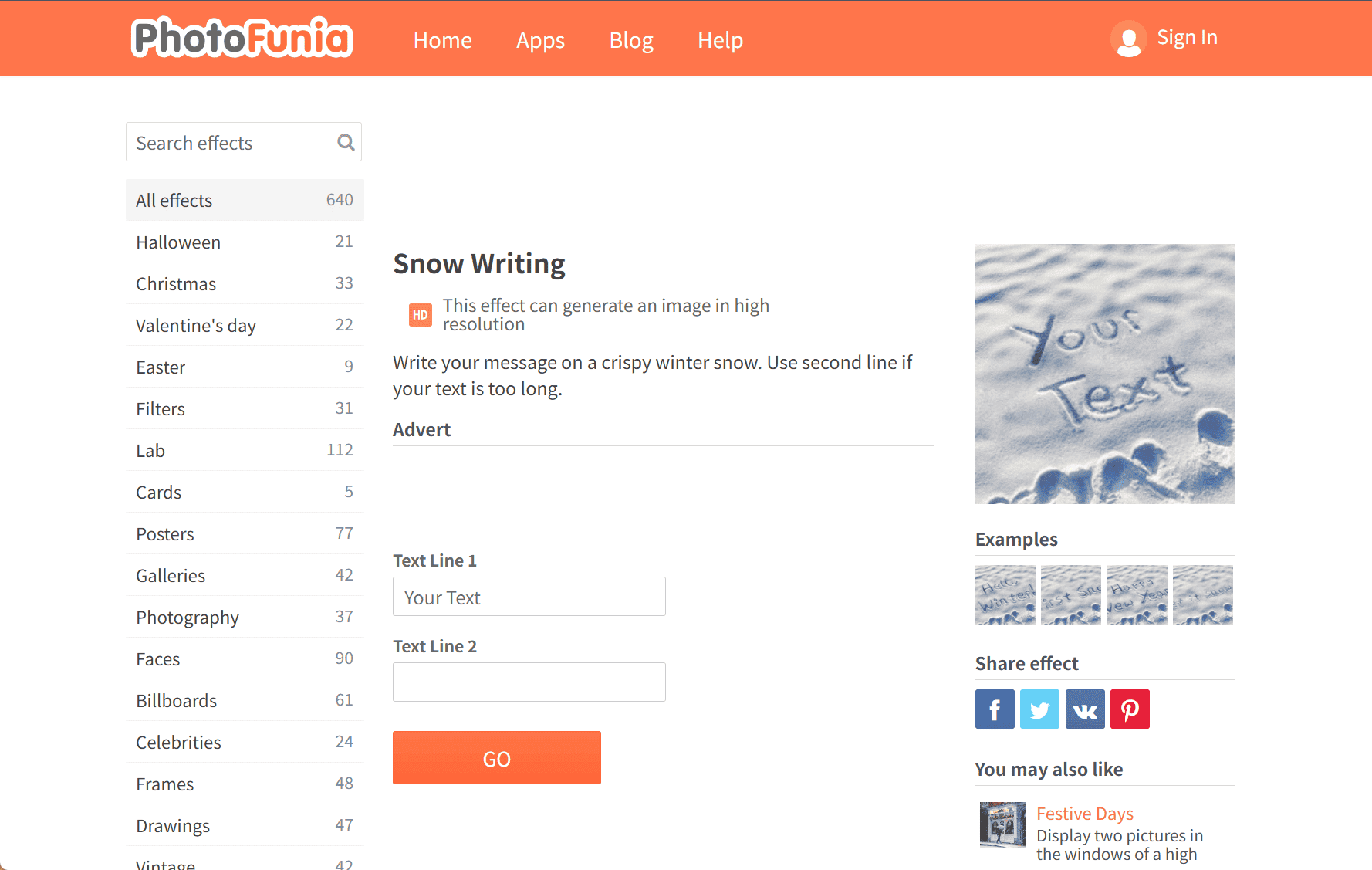
Create Personalized Snow Messages with PhotoFunia’s Snow Writing Effect
PhotoFunia’s Snow Writing effect offers a creative way to craft personalized messages etched into a snowy landscape. This online tool allows users to simulate the appearance of text written on fresh, crisp snow, providing a unique and festive touch to greetings, social media posts, or digital invitations.
Key Features:
-
Custom Text Input: Users can enter a primary message, with the option to add a second line if the text is lengthy, ensuring the design remains balanced and visually appealing.
-
High-Resolution Output: The generated images are available in high resolution, making them suitable for various digital platforms and print materials.
-
User-Friendly Interface: The process is straightforward—input your desired text, and the tool quickly renders the image, eliminating the need for advanced design skills.
Applications:
-
Seasonal Greetings: Add a personal touch to holiday cards or festive messages.
-
Social Media Content: Create eye-catching posts that stand out during the winter season.
-
Event Invitations: Design unique invitations for winter-themed events or gatherings.
How to Use:
-
Navigate to the Snow Writing effect on PhotoFunia.
-
Enter your desired text in the provided fields.
-
Preview the image to ensure it meets your expectations.
-
Download the high-resolution image for use in your projects.
PhotoFunia’s Snow Writing effect is a simple yet effective tool for adding a wintry charm to your messages, making them more engaging and visually appealing.
data statistics
Relevant Navigation