Eclipse
An old Java editor with a wide range of users
Tags:EditorC++ development Eclipse IDE extensible IDE Java development web development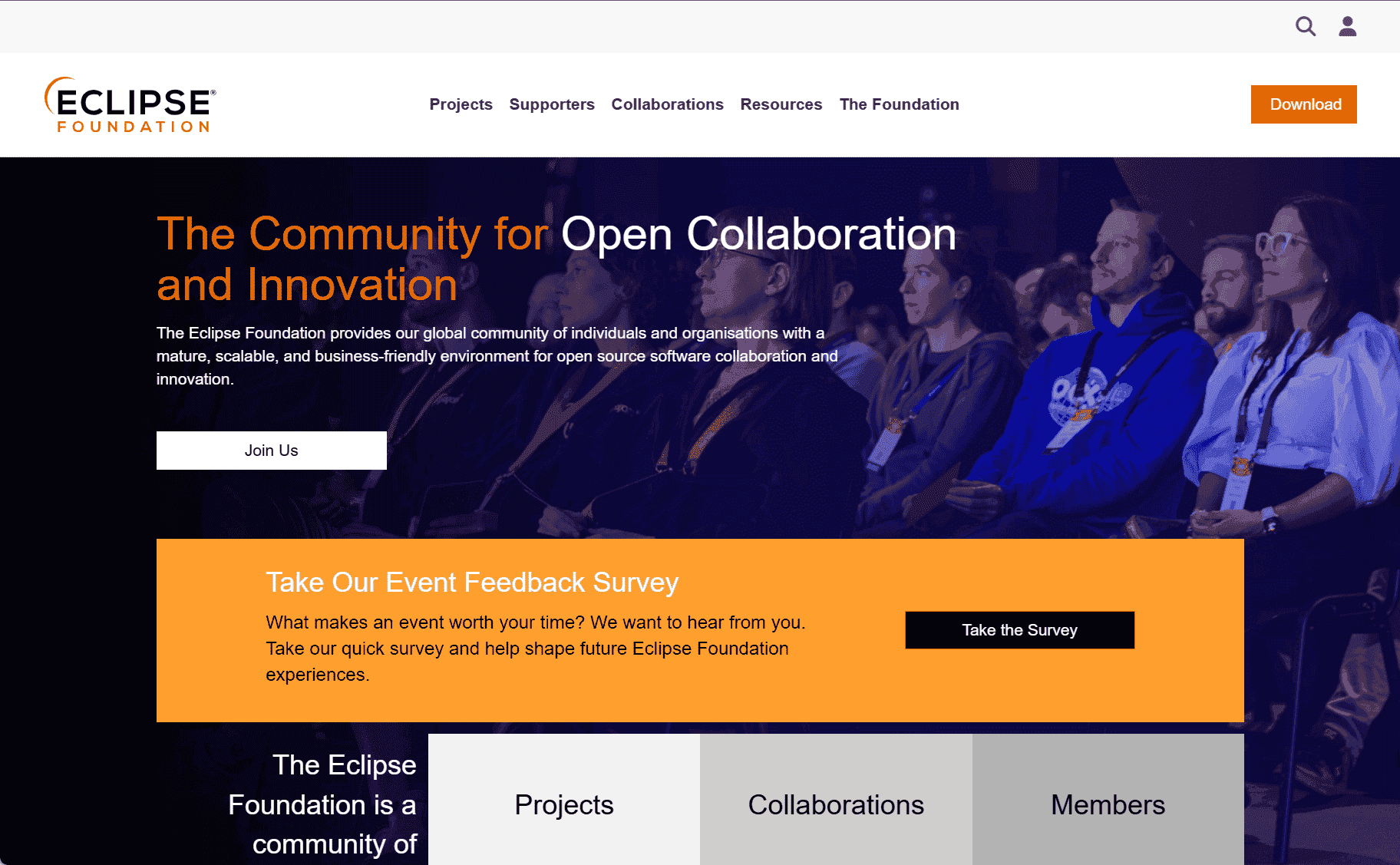
Eclipse: A Powerful IDE for Developers Across Multiple Programming Languages
Eclipse is a widely-used integrated development environment (IDE) that supports developers in creating applications across a variety of programming languages. Initially developed as a Java IDE, Eclipse has since evolved into a versatile, open-source platform supporting languages such as C++, Python, PHP, and JavaScript, among others. Its extensible architecture and large community of contributors make it one of the most popular development tools globally, particularly in the enterprise and open-source software ecosystems.
Eclipse was first released in 2001 by the Eclipse Foundation, and it quickly gained popularity due to its modular framework. The platform’s open-source nature has allowed developers from around the world to contribute and extend its functionality, making it a flexible choice for a wide range of development tasks. Eclipse is now used in various industries, from enterprise software development to embedded systems, scientific computing, and even game development.
At its core, Eclipse offers a powerful environment for writing, compiling, and debugging code. The IDE provides robust features for managing projects, organizing code, and navigating large codebases. Its code editor includes syntax highlighting, code folding, and autocomplete features, which help developers write code efficiently and reduce errors. The built-in debugger allows developers to step through their code, inspect variables, and manage breakpoints, simplifying the debugging process.
One of Eclipse’s most significant strengths is its extensibility. Through a system of plugins, Eclipse can be customized to support virtually any development language or framework. The Eclipse Marketplace provides a vast selection of plugins, allowing users to add features such as version control integration, database management, and support for various programming languages. This plugin-based approach means that Eclipse can grow and adapt to a developer’s specific needs.
For Java developers, Eclipse offers full integration with Java Development Kit (JDK) tools, including a powerful Java editor and comprehensive support for frameworks like Spring, Hibernate, and Java EE. Eclipse also supports testing frameworks like JUnit, making it a strong choice for test-driven development (TDD). In addition, Eclipse provides tools for Java EE development, including servlets, JSPs, and EJBs, which are essential for building enterprise-grade applications.
Beyond Java, Eclipse provides excellent support for other languages. The platform has official and community-driven plugins for languages such as C++, Python, PHP, and JavaScript. For example, with the CDT (C/C++ Development Tooling) plugin, developers can write and debug C/C++ applications, while the PyDev plugin offers support for Python development. Additionally, Eclipse supports web development frameworks, offering tools for HTML, CSS, and JavaScript development.
Eclipse is also commonly used in the development of mobile applications, particularly Android. Eclipse’s integration with Android Development Tools (ADT) has been a popular choice for Android app developers for years. However, with the rise of Android Studio (which is also based on IntelliJ IDEA), Eclipse’s role in Android development has decreased but still serves as a viable option for many developers.
For teams working in large-scale projects, Eclipse offers version control integration through plugins such as Git, Subversion, and CVS. This integration allows developers to manage their source code repositories directly within the IDE, streamlining workflows and enhancing collaboration between team members.
Additionally, Eclipse provides tools for creating graphical user interfaces (GUIs) and managing user interfaces in Java, making it an excellent choice for building desktop applications. Its rich ecosystem of tools and plugins, combined with its highly customizable interface, enables developers to tailor their workspace to suit their preferences.
In conclusion, Eclipse is a powerful, flexible, and highly extensible IDE that supports a wide range of programming languages and development tasks. Whether you are working on Java applications, embedded systems, or web development projects, Eclipse offers the tools and features necessary to streamline your development process. With a strong community, regular updates, and an ever-growing list of plugins, Eclipse continues to be a top choice for developers looking for a versatile IDE that can handle virtually any project.
data statistics
Relevant Navigation