XCode
A must-have for Apple developers, only Mac computers can install it
Tags:EditorApple app development iOS development macOS development Swift programming Xcode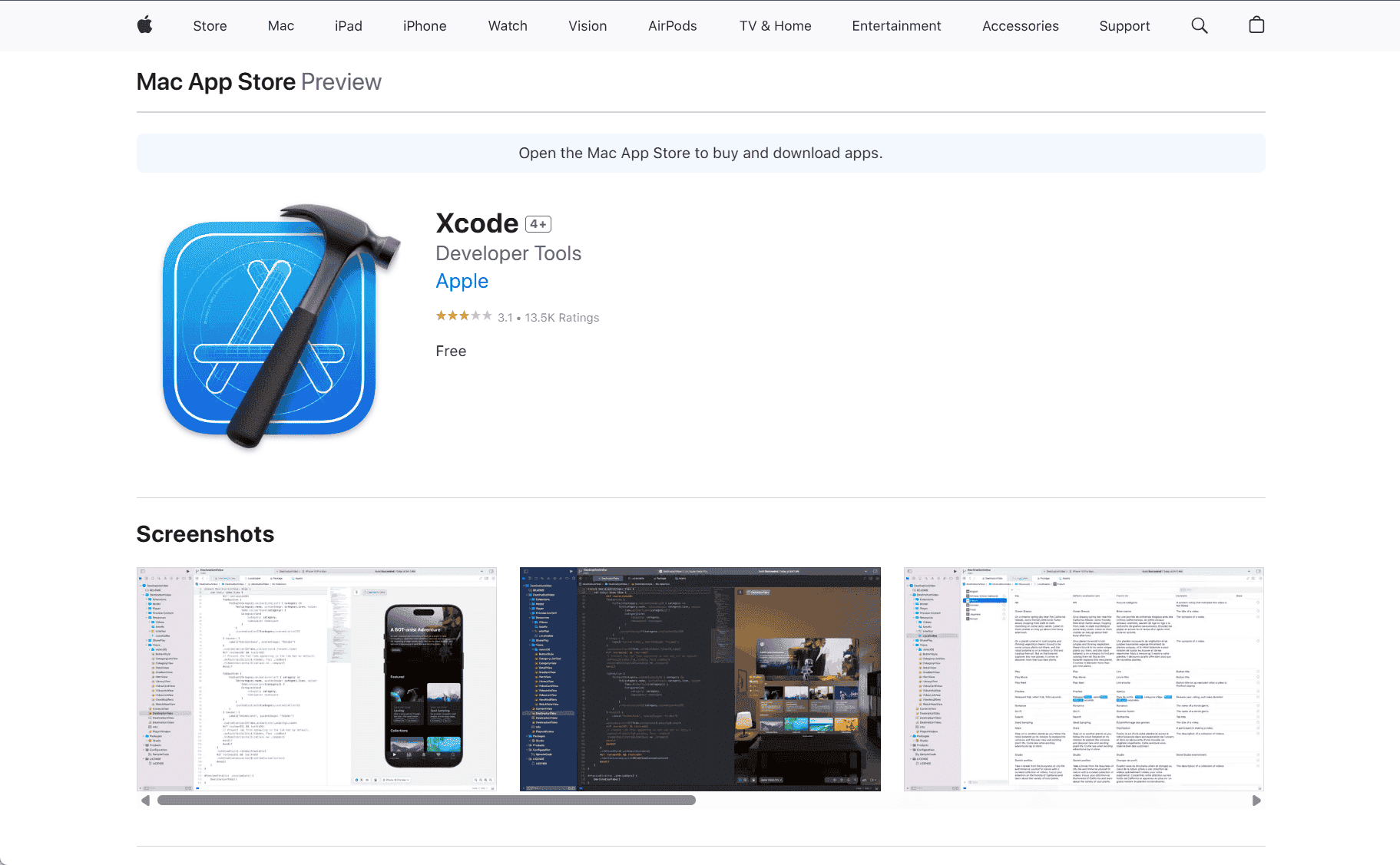
Xcode: The Ultimate IDE for Apple App Development
Xcode, developed by Apple, is the official integrated development environment (IDE) for creating applications across all Apple platforms, including iOS, macOS, watchOS, and tvOS. As the primary tool for building Apple applications, Xcode offers a suite of powerful tools and features that streamline the development process, from coding and designing to testing and deploying apps.
Xcode is designed to provide a seamless and efficient environment for both novice and experienced developers. Whether you are creating a simple mobile app or a complex, feature-rich application, Xcode gives you everything you need in one package. The IDE includes a code editor, a graphical interface builder, and a suite of debugging and performance analysis tools, making it the go-to tool for Apple app development.
Comprehensive Features for All Development Needs
At the core of Xcode is its code editor, which supports multiple programming languages, including Swift and Objective-C, the two primary languages used for Apple app development. The editor is designed to be intuitive, with features like auto-completion, syntax highlighting, and inline documentation, all aimed at making the coding process smoother and more efficient.
For designers, Xcode includes Interface Builder, a visual tool that allows you to design your app’s user interface without writing any code. With drag-and-drop functionality, you can place UI elements such as buttons, sliders, and text fields directly onto the design canvas. This tool makes it easy to create responsive, user-friendly interfaces that adapt to different screen sizes and orientations, ensuring your app looks great on any Apple device.
Xcode also includes a range of built-in simulators, allowing you to test your app on various virtual devices before deploying it to real hardware. These simulators provide an accurate representation of how your app will behave on iPhone, iPad, Mac, Apple Watch, or Apple TV, ensuring that developers can spot potential issues early in the development process.
Debugging and Performance Tools
Xcode provides powerful debugging tools that help developers identify and fix bugs efficiently. The IDE includes a built-in debugger that lets you step through your code line-by-line, inspect variables, and set breakpoints to halt code execution at specific points. These features make it easy to pinpoint the root cause of issues and address them quickly.
Xcode also includes performance analysis tools like Instruments, which provides detailed insights into how your app uses system resources such as memory, CPU, and network. By analyzing your app’s performance in real-time, you can optimize it for smoother user experiences, longer battery life, and better overall performance.
Testing and Deployment
Xcode makes it easy to test your apps before launching them to the public. It includes XCTest, a powerful framework for writing unit and UI tests, helping ensure that your code works as expected. With Xcode, you can run tests on multiple devices and simulators to catch potential bugs before your app reaches users. The IDE also supports continuous integration, allowing you to automate the testing process and catch errors earlier in your development workflow.
Once your app is ready, Xcode integrates seamlessly with Apple’s App Store Connect, allowing you to submit your app directly to the App Store for review and distribution. Xcode also provides the tools to manage app certificates, provisioning profiles, and other settings required for app submission.
Swift and the Power of Modern Development
Swift, Apple’s modern programming language, is fully integrated into Xcode, providing a fast, safe, and easy-to-learn language for app development. With features like type safety, memory management, and performance optimizations, Swift makes it possible to write clean, efficient code that works across Apple platforms.
Xcode provides a robust environment for learning and mastering Swift. The IDE includes interactive playgrounds, which allow you to experiment with Swift code in real-time and see results immediately. This feature is especially useful for beginners or those looking to learn the language quickly.
Collaboration and Integration
For teams working on large projects, Xcode includes integration with Git and other version control systems, making it easy to collaborate with other developers. Xcode’s version control features allow you to manage code changes, merge branches, and track project progress without leaving the IDE.
Xcode also supports integration with third-party libraries and frameworks through Swift Package Manager and CocoaPods, enabling developers to extend their app’s functionality with pre-built code. This flexibility allows you to create more complex apps without having to build everything from scratch.
Conclusion
Xcode is an indispensable tool for anyone looking to develop apps for Apple platforms. With its comprehensive set of features, including a code editor, Interface Builder, simulators, debugging tools, and performance analysis, Xcode provides everything you need to create high-quality, efficient applications. Whether you’re a seasoned developer or just starting out, Xcode offers a powerful and user-friendly environment for building the next generation of Apple apps. With support for Swift and modern development practices, Xcode ensures that your apps will be optimized for performance and ready for the Apple ecosystem.
data statistics
Relevant Navigation