
VS Code
The most popular code editor!
Tags:Editorcode editor Git integration programming tools Visual Studio Code web development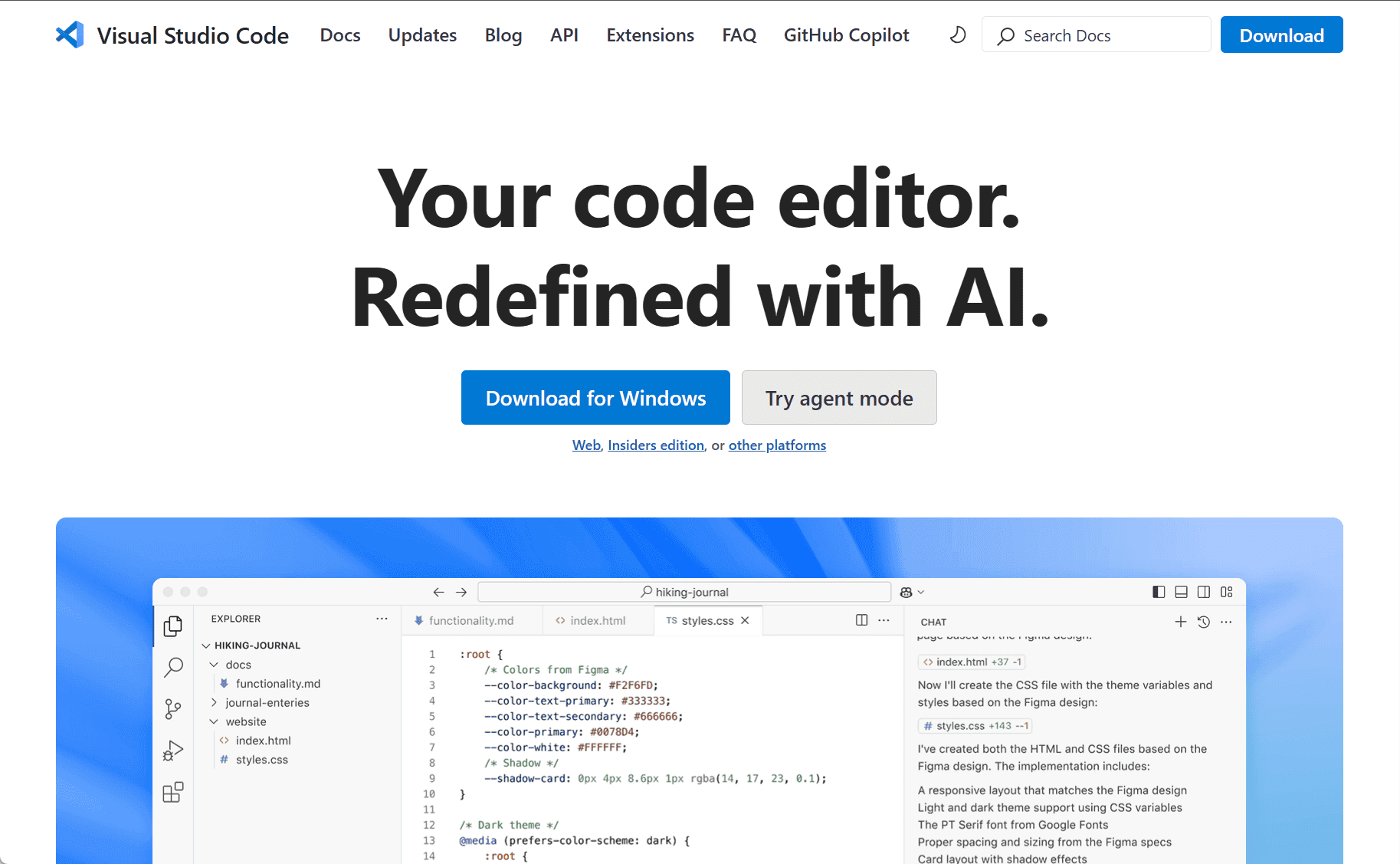
Visual Studio Code: A Lightweight and Powerful Code Editor for Developers
Visual Studio Code (VS Code) is a free, open-source code editor developed by Microsoft, designed to provide a streamlined and efficient development environment for programmers. Since its launch in 2015, VS Code has rapidly gained popularity among developers due to its lightweight nature, ease of use, and extensive customization options. It supports a wide range of programming languages and is compatible with multiple operating systems, including Windows, macOS, and Linux, making it accessible to a global audience of developers.
Unlike traditional integrated development environments (IDEs), VS Code is a code editor that is fast and lightweight, without sacrificing functionality. It provides all the essential tools needed for writing, editing, and debugging code, while keeping resource usage low. This makes it an excellent choice for both beginners and experienced developers who need a versatile editor for a variety of development tasks.
One of the key features that sets VS Code apart from other code editors is its extensibility. Through a vast marketplace of extensions, users can tailor the editor to their specific needs. These extensions include language support for nearly every programming language, such as Python, Java, C++, JavaScript, and Go, as well as tools for web development, cloud development, and more. Developers can install extensions for version control, testing frameworks, database management, and even integrations with cloud services like Azure, making VS Code a flexible solution for virtually any programming task.
VS Code also includes a powerful integrated terminal, which allows developers to run commands and scripts directly from the editor. This terminal supports multiple shells, including Command Prompt, PowerShell, and Git Bash, providing developers with a seamless workflow as they can execute commands, manage source code, and interact with their project without leaving the editor.
Another standout feature of VS Code is its built-in Git support. The editor comes with integrated Git version control, allowing developers to manage source code directly within the editor. Developers can commit changes, push and pull from repositories, and even resolve merge conflicts without leaving the workspace. This tight integration with Git makes VS Code a strong tool for collaborative development, especially for teams working on version-controlled projects.
For debugging, VS Code offers a robust set of tools that allow developers to set breakpoints, inspect variables, and step through code. Its debugging features support a wide range of programming languages and frameworks, making it easy to troubleshoot and optimize code. The editor also supports remote debugging, enabling developers to work on projects hosted on remote servers or virtual environments, further extending its usefulness for collaborative or distributed teams.
Additionally, VS Code’s user interface is highly customizable. Developers can modify the theme, layout, and key bindings to suit their preferences. The editor supports both light and dark themes, and developers can easily switch between them depending on their working environment. VS Code also provides split-screen and multi-file editing features, allowing users to work on multiple files or projects simultaneously.
VS Code is also known for its strong performance and speed. It opens quickly, loads large files efficiently, and remains responsive even during extensive coding sessions. Unlike many full-fledged IDEs, VS Code is light on system resources, making it a perfect choice for developers who work on low-powered devices or need an editor that won’t slow down their system.
For web developers, VS Code is especially appealing. It offers out-of-the-box support for HTML, CSS, JavaScript, and other web technologies. With extensions for popular front-end frameworks such as React, Angular, and Vue.js, as well as back-end tools like Node.js, VS Code becomes an ideal choice for full-stack development. Additionally, it integrates well with popular package managers like npm and Yarn, providing an efficient environment for managing dependencies.
In conclusion, Visual Studio Code is a versatile, powerful, and user-friendly code editor that meets the needs of developers across various programming languages and industries. Its lightweight nature, combined with powerful features like extensions, Git integration, and built-in debugging, makes it a top choice for developers looking for an efficient development environment. Whether you’re working on a small project or a large-scale application, VS Code provides the tools and flexibility you need to streamline your coding workflow and boost productivity.
data statistics
Relevant Navigation