
ESLint
ESLint is a syntax rules and code style checking tool
Tags:VSCode plug-incode quality ESLint JavaScript TypeScript Visual Studio Code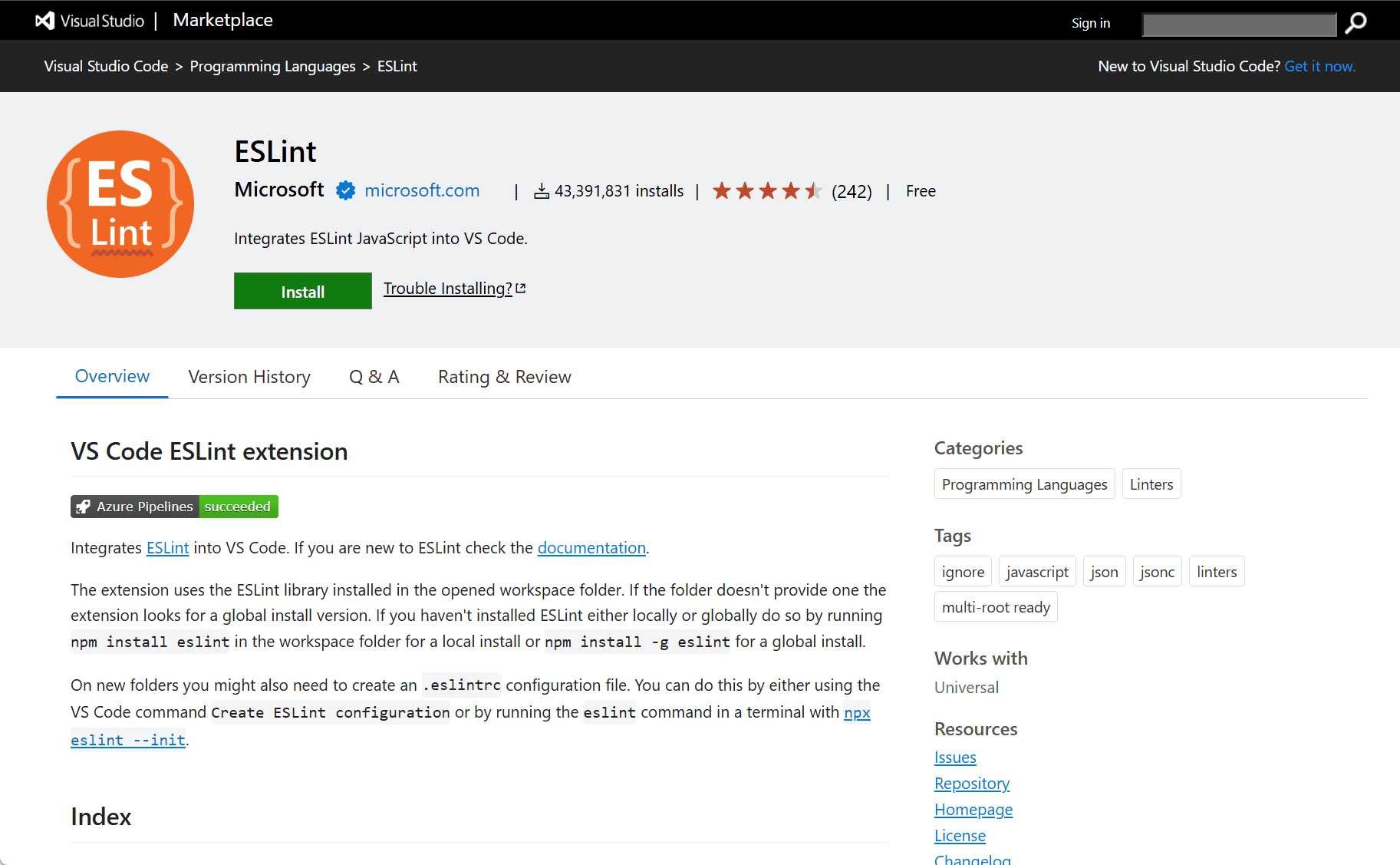
Improve Code Quality with the ESLint Extension for Visual Studio Code
The ESLint extension for Visual Studio Code helps developers maintain consistent code quality and identify errors in JavaScript and TypeScript. ESLint is one of the most popular linting tools that analyzes code to enforce coding standards, catch potential errors, and ensure a clean codebase.
Key Features
-
Real-time Linting
The ESLint extension provides real-time linting of your code as you write, highlighting syntax issues, potential bugs, and stylistic problems instantly. -
Fixable Problems
ESLint offers automatic fixes for many problems, such as fixing formatting issues or reordering imports, saving time during development. -
Customizable Rules
You can configure ESLint to use predefined or custom rules according to your project’s coding guidelines, allowing for team-wide consistency. -
Integration with TypeScript
The extension supports TypeScript linting, ensuring your TypeScript code is also free from common errors and meets the set standards. -
Works with Other Extensions
ESLint seamlessly integrates with other Visual Studio Code extensions like Prettier, enhancing your code formatting and quality control further.
Installation and Setup
-
Open Visual Studio Code and go to the Extensions Marketplace.
-
Search for ESLint and click Install.
-
Once installed, ESLint will automatically start analyzing your code based on your project’s configuration.
If your project doesn’t have a configuration file, you can quickly create one by running eslint --init in the terminal.
Customization
-
Custom ESLint Configurations
You can customize ESLint rules by creating an.eslintrcfile in your project’s root directory. This file allows you to tailor linting behavior based on your specific coding standards. -
Integration with Prettier
For additional code formatting, ESLint can be integrated with Prettier to automatically fix minor formatting issues, like spaces and line breaks, while keeping your code consistent.
Contribution and Licensing
The ESLint extension for Visual Studio Code is open-source, and contributions are welcome. It’s licensed under the MIT License, meaning developers are free to use and contribute to the extension.
This should provide a solid understanding of how the ESLint extension can improve the development process by ensuring code quality and consistency in your projects.
data statistics
Relevant Navigation