Beautify
Code beautification plugin
Tags:VSCode plug-inautomatic code beautification Beautify extension code formatting multi-language support Visual Studio Code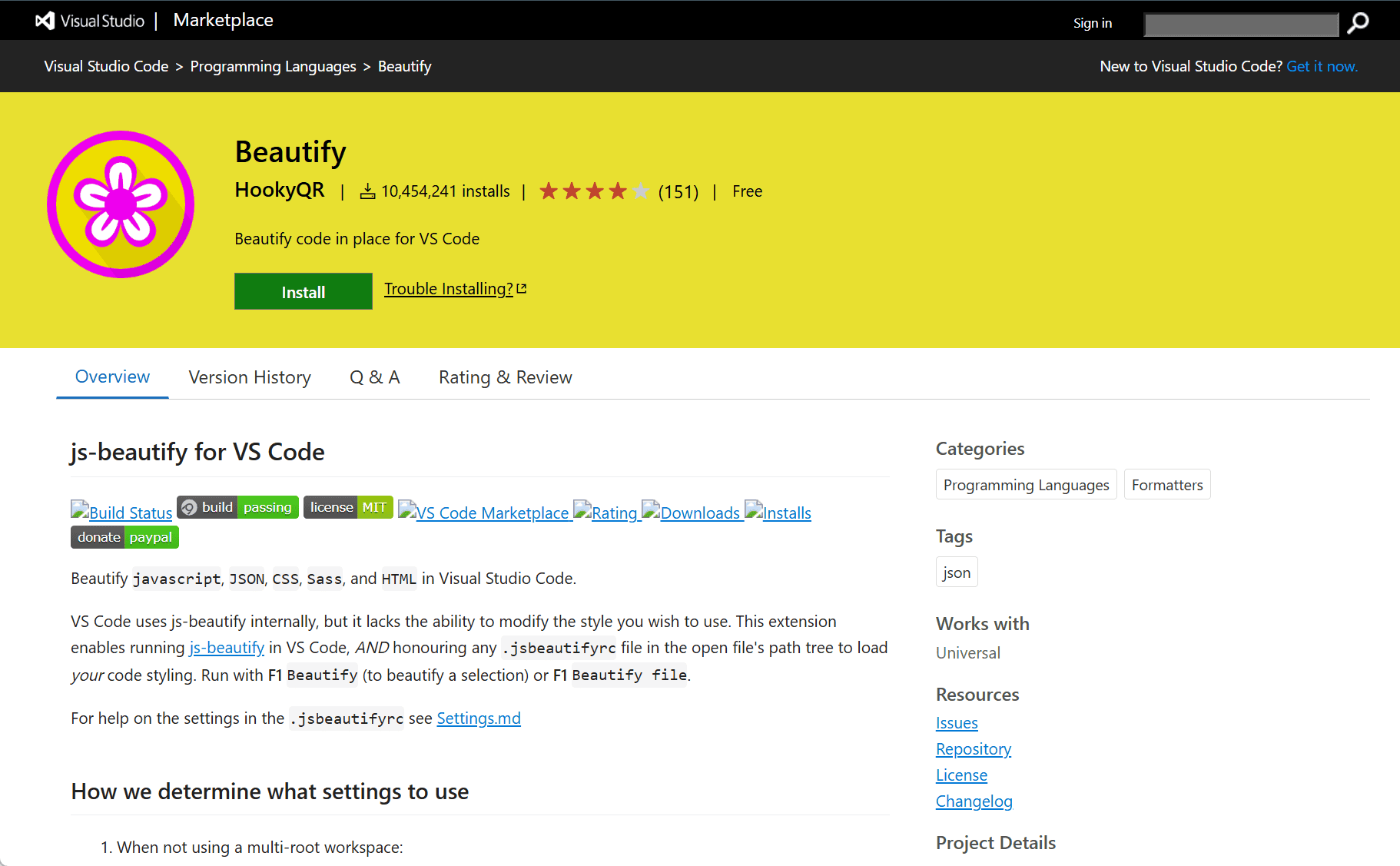
The Visual Studio Marketplace page for Beautify by HookyQR provides an extension designed to enhance the formatting of various types of code. Its primary function is to beautify and organize source code for several popular programming languages, making it more readable and consistent.
Beautify Extension for Visual Studio Code
In the world of software development, code readability plays an essential role in maintaining a clean and efficient workflow. The Beautify extension for Visual Studio Code, created by HookyQR, addresses this need by automating the process of code formatting. This extension is compatible with a wide array of programming languages, including HTML, CSS, JavaScript, and JSON.
One of the standout features of Beautify is its ability to automatically adjust code according to established best practices, ensuring consistency throughout a project. The extension formats code snippets, improving both structure and indentation, and eliminates unnecessary spaces or lines. Whether you’re working on small scripts or large-scale applications, Beautify can help improve the visual appearance and consistency of your codebase.
Key Features
-
Multi-Language Support: Beautify supports a wide variety of languages, making it a versatile tool for developers working with different technologies. Languages such as JavaScript, HTML, CSS, JSON, and more are all supported.
-
Customizable Settings: Developers can configure formatting preferences according to their needs. Whether it’s changing indentation sizes, controlling line breaks, or adjusting other formatting styles, Beautify offers flexibility.
-
Automatic Formatting: The extension can be set to automatically format code whenever a file is saved. This feature helps maintain code consistency without manual intervention, saving time during the development process.
-
Easy to Use: Integrating Beautify into Visual Studio Code is straightforward. Developers simply need to install the extension and configure their settings to begin using it.
-
Consistent Code Style: The extension follows the conventions of well-known style guides, ensuring that the codebase remains consistent and easy to understand.
Conclusion
The Beautify extension for Visual Studio Code is an essential tool for developers who want to streamline their coding workflow. With its multi-language support, customizable settings, and automatic formatting features, it helps maintain a consistent code style and boosts productivity. Whether you are working on personal projects or collaborative applications, Beautify makes your code more readable and manageable, ultimately contributing to better coding practices.
data statistics
Relevant Navigation