
Git Graph
View the Git graph for your repository and perform Git operations from the graph
Tags:VSCode plug-inbranch management Git Graph extension Git visualization version control Visual Studio Code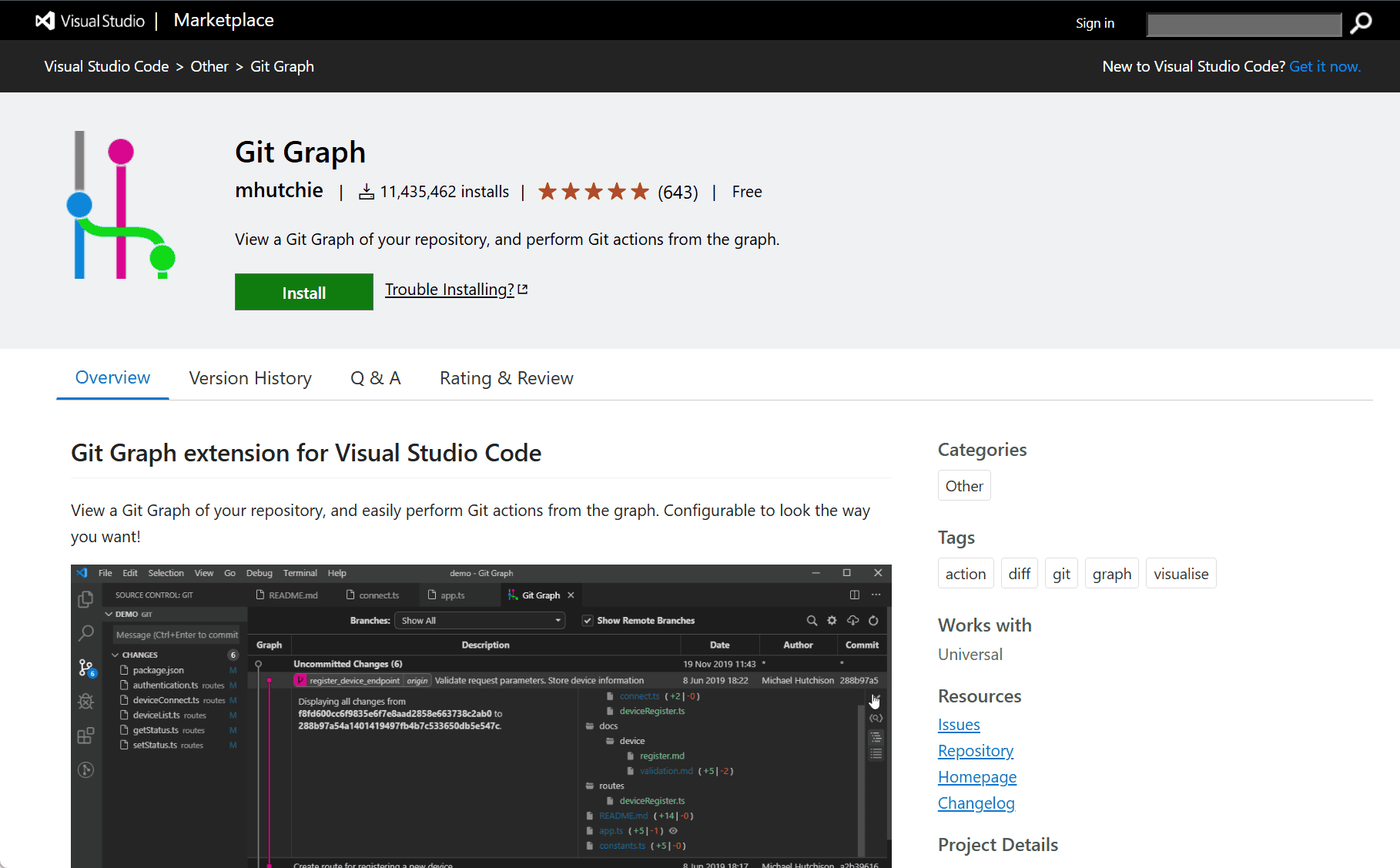
The Git Graph extension by mhutchie for Visual Studio Code is a powerful tool designed to visualize and manage Git repositories directly within the editor. It provides an intuitive graphical interface that helps developers understand the structure and history of their projects, making version control easier and more efficient.
Git Graph Extension for Visual Studio Code
Git is an essential tool for developers, but working with Git commands via the terminal can sometimes be complex and hard to visualize, especially for those managing large repositories or multiple branches. The Git Graph extension addresses this by offering a clear, interactive graph view of your Git repository inside Visual Studio Code.
With Git Graph, users can easily see all branches, commits, merges, and tags in a single visual interface. This graphical representation allows developers to quickly track changes, explore commit histories, and manage branches without leaving their code editor. The extension supports common Git operations, including committing, branching, merging, rebasing, and resetting.
Key Features
-
Visual Commit History: Displays a comprehensive graph of commits and branches, making it easy to understand project history.
-
Branch Management: Create, delete, rename, and switch branches directly within the interface.
-
Commit Details: View detailed information about each commit, including changes made, author, date, and commit message.
-
Git Actions: Perform Git commands like commit, push, pull, merge, rebase, and reset without using the command line.
-
Search and Filter: Quickly find commits or branches using search and filter options to focus on relevant parts of the repository.
-
Integration with VS Code: Seamlessly integrates into the Visual Studio Code environment, enhancing workflow without switching tools.
Conclusion
The Git Graph extension simplifies Git management by providing a visual and user-friendly interface directly within Visual Studio Code. It benefits developers by making it easier to navigate complex repositories, track project changes, and perform Git operations efficiently. This tool is ideal for developers who want a clear understanding of their project’s version history and prefer managing Git visually rather than through command-line interfaces.
data statistics
Relevant Navigation