
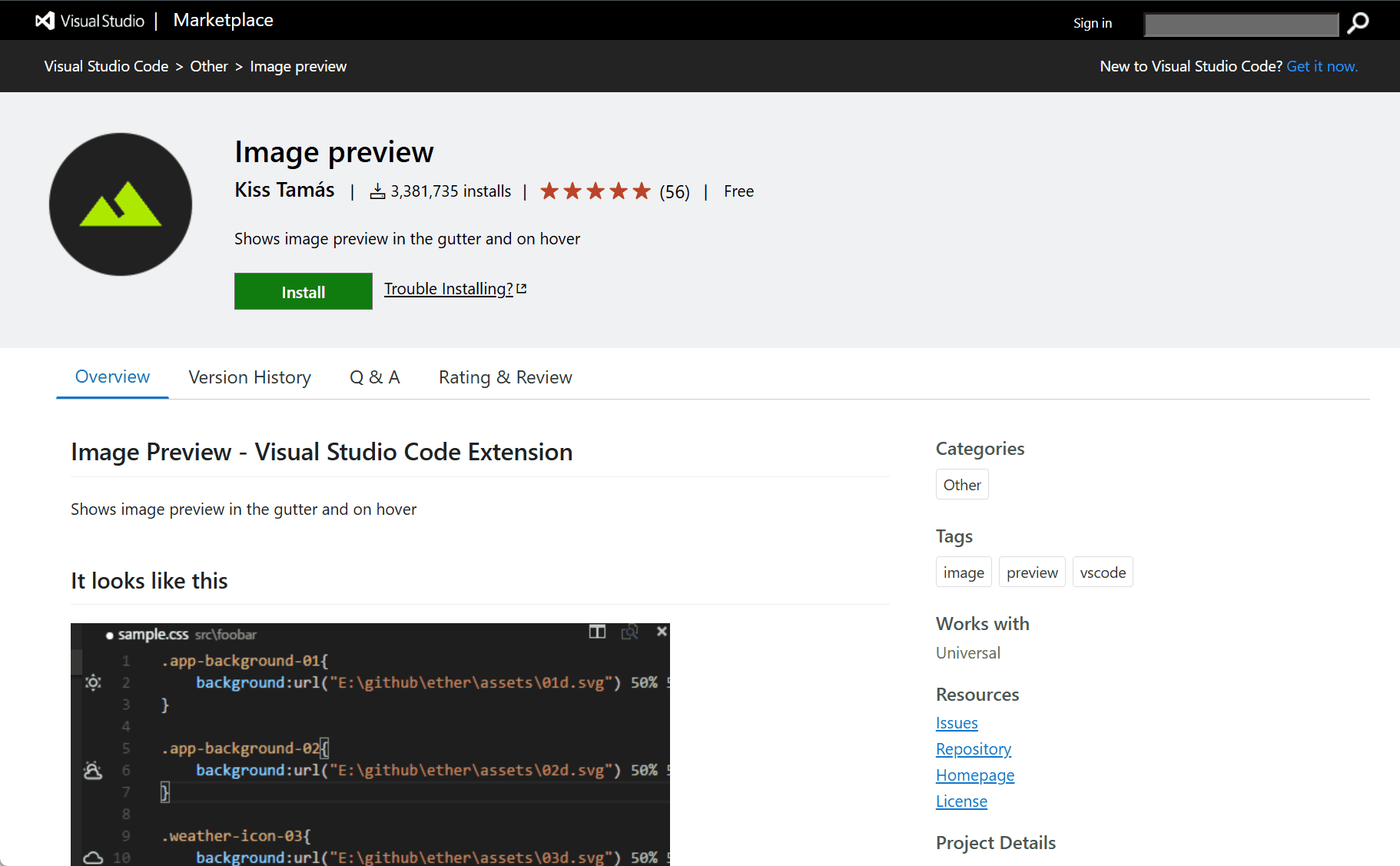
The Gutter Preview extension by Kiss Tamás Kondorosi for Visual Studio Code provides a visual enhancement to the coding experience by displaying image previews directly in the editor gutter. It helps developers working with image paths in their code quickly verify file references without opening them separately, improving accuracy and saving time during front-end and UI development.
Gutter Preview Extension for Visual Studio Code
Working with images in code—especially in front-end development—often involves referencing asset paths manually. Confirming the accuracy of these paths typically requires opening files in external viewers or navigating away from the current line of code. The Gutter Preview extension solves this by showing real-time image previews directly in the editor gutter beside each reference.
This simple yet powerful feature brings significant convenience to developers working with HTML, CSS, Markdown, and various JavaScript frameworks. The preview appears automatically when the cursor is on a line containing a valid image path or when hovering over it, enabling instant feedback and verification.
Key Features
-
Inline Image Previews: Displays small previews of images referenced in the code next to the line in the editor gutter.
-
Supports Multiple File Types: Works with HTML, CSS, Markdown, and JavaScript files where image paths are commonly used.
-
Automatic Detection: Automatically shows previews when the cursor is on or near a valid image URL or path.
-
Hover Preview: Displays an enlarged image preview on hover for clearer inspection without leaving the code context.
-
Local and Remote Images: Supports previews for both local file paths and remote image URLs.
-
Customizable Settings: Users can adjust preview size and behavior via extension settings to fit their development style.
Conclusion
The Gutter Preview extension enhances the Visual Studio Code experience for developers working with visual assets. By integrating instant image previews directly into the code editor, it eliminates the need for external file checks, reduces context switching, and helps ensure accurate path references. It’s especially valuable for front-end developers and anyone working with image-rich content.
data statistics
Relevant Navigation