
GitLens — Git supercharged
Git history, code modifiers view
Tags:VSCode plug-incode history Git blame GitLens extension version control tools Visual Studio Code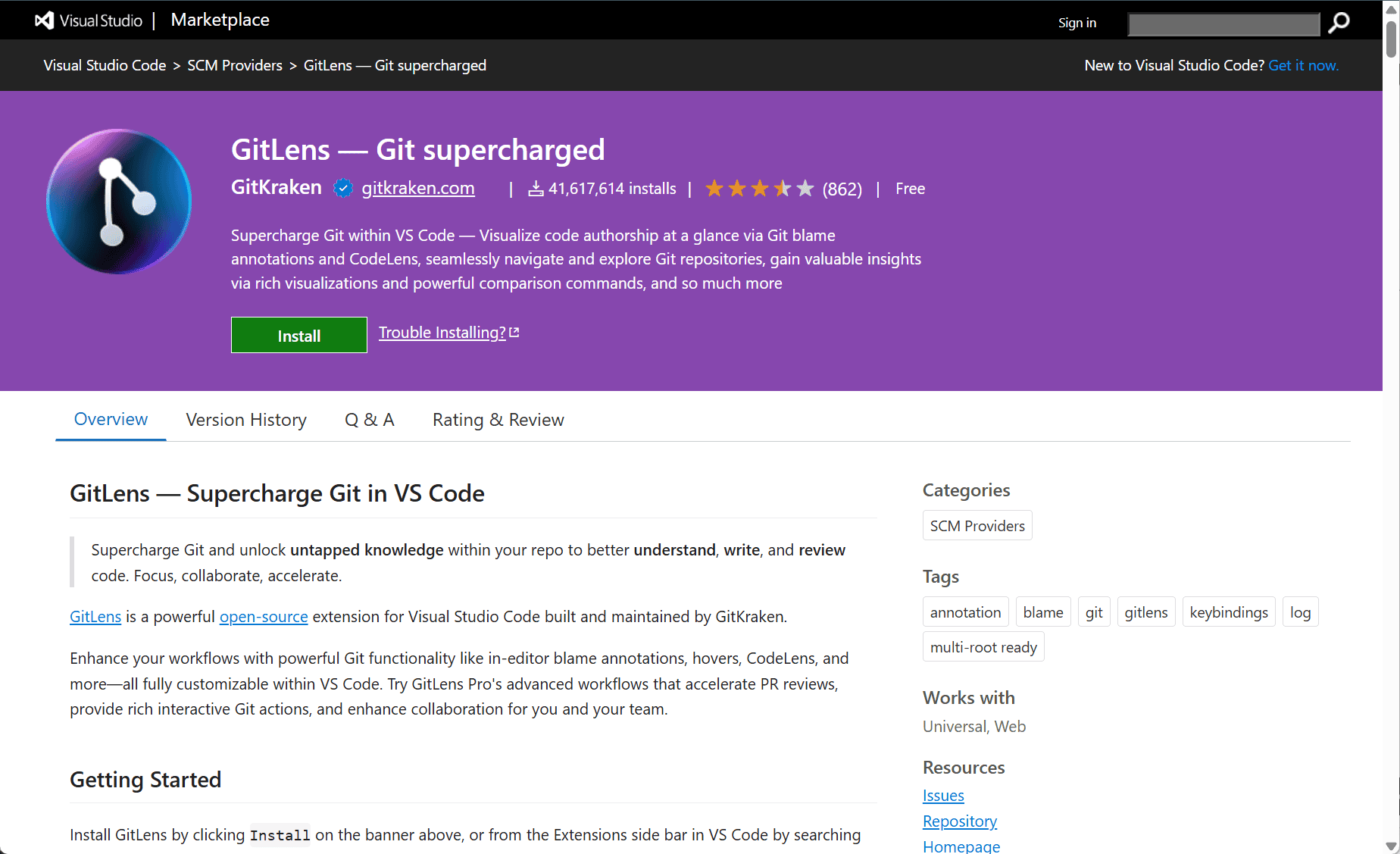
The GitLens extension by Eric Amodio for Visual Studio Code is a comprehensive tool that enhances the built-in Git capabilities of the editor. It offers deep insights into code repositories, providing developers with detailed information about code authorship, history, and changes directly within the editor interface.
GitLens Extension for Visual Studio Code
Working with Git is a fundamental part of modern software development, but understanding the full context behind code changes can be challenging. The GitLens extension enriches the Git experience in Visual Studio Code by bringing powerful annotations and history tracking features to the fingertips of developers.
GitLens displays inline blame annotations, showing who last modified a line of code and when. This feature helps developers quickly identify the origin of specific code segments and understand their evolution. Beyond line-level insights, GitLens offers detailed commit and file history views, making it easier to track changes, review past revisions, and navigate complex project histories.
Key Features
-
Inline Git Blame: Displays the author and timestamp of the last change for each line of code within the editor.
-
Code Lens Integration: Shows Git information such as recent commits and authors directly above functions and classes.
-
File and Repository History: Provides detailed views of commit histories for files and entire repositories.
-
Comparison Tools: Easily compare branches, commits, or specific files to see differences and changes over time.
-
Rich Navigation: Quickly jump to commits, authors, or specific changes from within the editor.
-
Customizable Interface: Users can tailor the information displayed according to their preferences for an optimized workflow.
Conclusion
The GitLens extension significantly enhances Git functionality within Visual Studio Code, offering a powerful set of tools for developers to understand, navigate, and manage their code history more effectively. It brings detailed, context-rich information about code changes right where developers work, improving productivity and collaboration in software projects. For anyone using Git in Visual Studio Code, GitLens is an invaluable addition to streamline version control and code review processes.
data statistics
Relevant Navigation