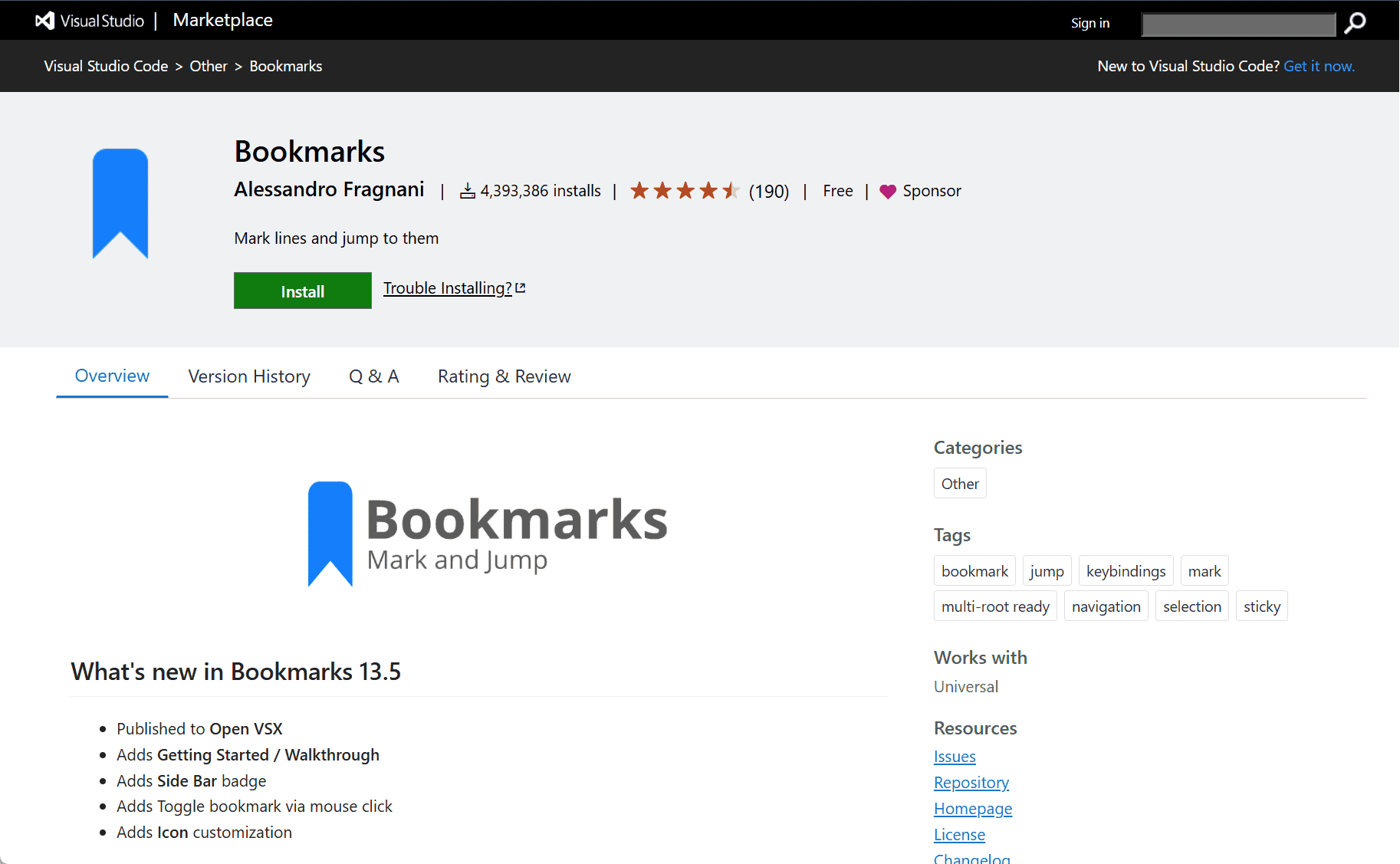
The Bookmarks extension by Alessandro Fragnani for Visual Studio Code is a productivity tool that lets developers place, navigate, and manage bookmarks within their code. It’s designed to streamline workflow by allowing users to quickly jump to important locations in large files or projects, saving time and reducing the effort spent scrolling through lines of code.
Bookmarks Extension for Visual Studio Code
As codebases grow larger and more complex, navigating through files efficiently becomes essential. The Bookmarks extension enhances navigation in Visual Studio Code by enabling developers to place visual markers (bookmarks) in their code, making it easy to return to important sections without losing context.
Once installed, users can toggle bookmarks on any line of code, view a list of all bookmarks across files, and jump directly to them using the command palette or dedicated side panel. Bookmarks are especially useful when working on multiple parts of a file simultaneously, debugging, or reviewing code.
Key Features
-
Toggle Bookmarks: Easily add or remove bookmarks on any line with a simple keyboard shortcut or command.
-
Bookmark Navigation: Quickly move between bookmarks using navigation commands or the side panel list.
-
Workspace Integration: Supports bookmarks across multiple files, helping developers stay organized even in large projects.
-
Gutter Icons: Displays bookmark icons in the gutter for clear visual indication and quick access.
-
Label Support: Optionally assign labels to bookmarks for better identification and context.
-
Multi-Cursor Compatibility: Works seamlessly with multi-cursor editing, making it flexible for power users.
Conclusion
The Bookmarks extension for Visual Studio Code is a lightweight yet powerful tool that improves code navigation and efficiency. By allowing developers to mark and revisit important code sections easily, it simplifies multitasking and speeds up development, especially in large and complex files. It’s a valuable addition for any developer looking to enhance their workflow inside Visual Studio Code.
data statistics
Relevant Navigation