GitToolBox
Essential for Git version management, automatically pull code at regular intervals, and display branch version information
Tags:IDEA plug-inGit integration GitHub GitLab integration GitToolBox IntelliJ IDEA Real-time Git status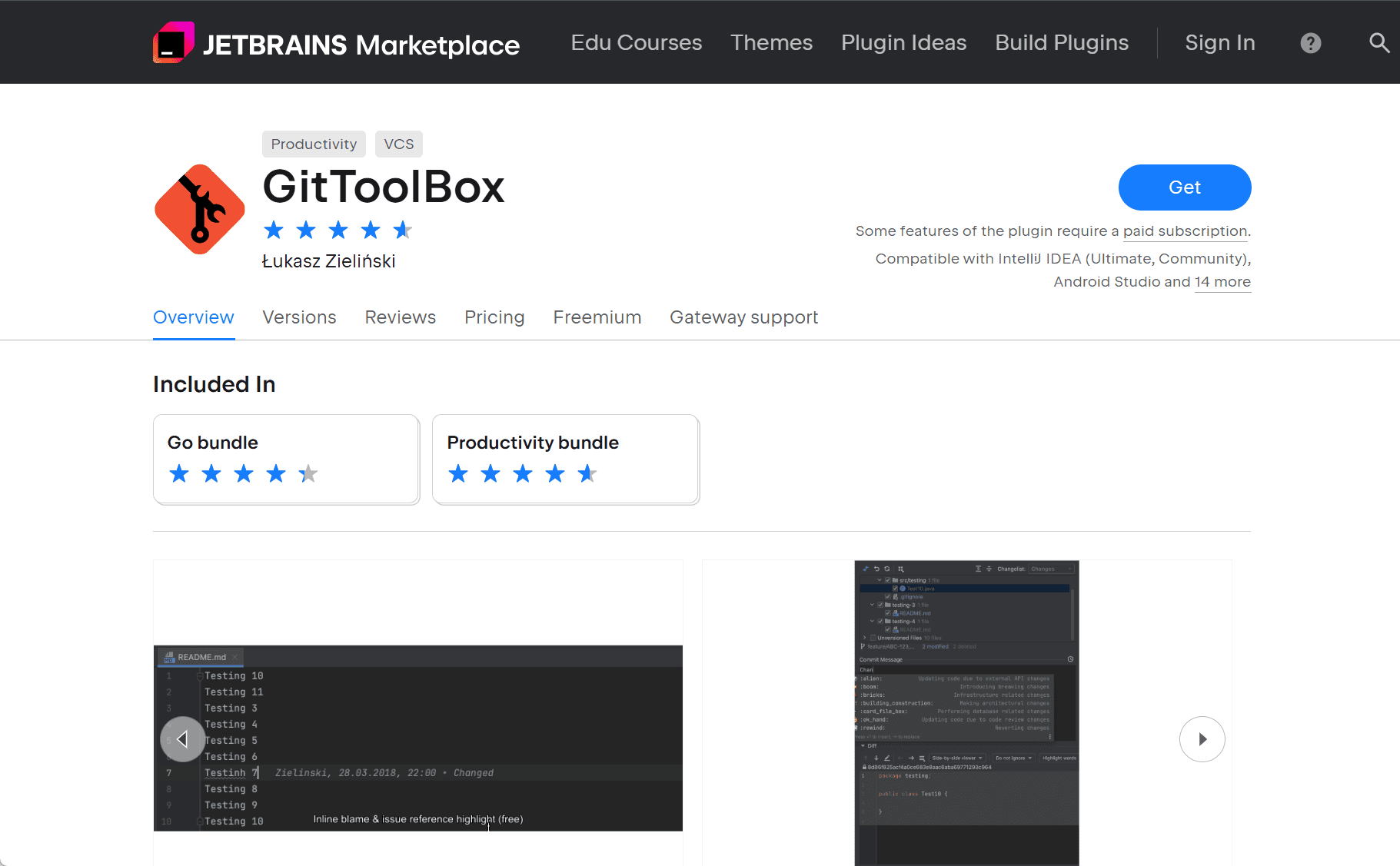
GitToolBox: Enhancing Git Integration in IntelliJ IDEA
GitToolBox is a powerful plugin designed to extend the built-in Git integration in IntelliJ IDEA and other JetBrains IDEs. It offers a suite of features that streamline version control tasks, making Git operations more efficient and user-friendly.
Key Features
1. Real-Time Git Status Indicators
GitToolBox provides real-time indicators in the project view and status bar, displaying the number of uncommitted changes and the status of remote branches. This immediate feedback helps developers stay informed about their repository’s state without needing to run Git commands manually.
2. Enhanced Commit Information
The plugin enriches the editor by displaying detailed commit information, such as the author, commit message, and timestamp, directly in the code editor. This feature allows developers to understand the context of changes at a glance, facilitating better code reviews and collaboration.
3. Auto Fetch and Auto Pull
GitToolBox can automatically fetch and pull changes from remote repositories at regular intervals. This ensures that developers are always working with the latest code, reducing conflicts and improving synchronization in collaborative environments.
4. GitHub and GitLab Integration
The plugin integrates seamlessly with GitHub and GitLab, enabling developers to manage pull requests, view issues, and perform other Git hosting platform tasks directly within the IDE. This integration streamlines workflows and reduces the need to switch between different tools.
5. Customizable Settings
GitToolBox offers a range of customizable settings, allowing developers to tailor the plugin’s behavior to their preferences. From adjusting the frequency of auto-fetch operations to configuring the display of commit information, users have control over how the plugin enhances their Git experience.
Installation
To install GitToolBox in IntelliJ IDEA:
-
Open IntelliJ IDEA.
-
Navigate to
File > Settings > Plugins. -
In the
Marketplacetab, search for “GitToolBox”. -
Click
Installand restart the IDE to activate the plugin.
Conclusion
GitToolBox significantly enhances the Git experience within IntelliJ IDEA by providing real-time status indicators, detailed commit information, and seamless integration with Git hosting platforms. Its customizable features and automation capabilities make it an indispensable tool for developers seeking to streamline their version control workflows.
data statistics
Relevant Navigation