APPS CYBORG
Download all images, pictures from websites, web pages by URL or link
Tags:Design toolsbulk image download image downloader no installation Online Tool webpage image extractor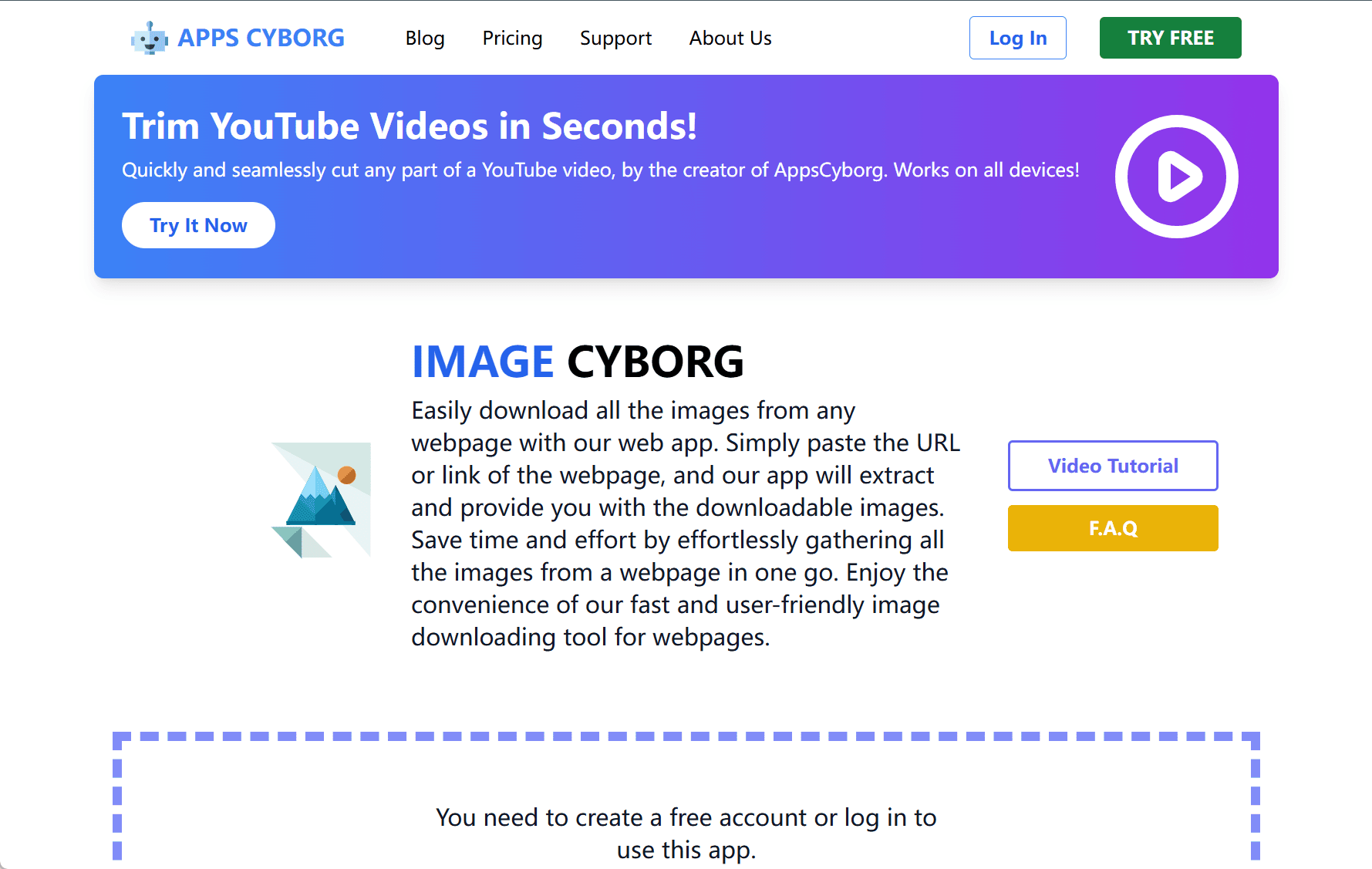
Image Cyborg is a free, browser-based tool designed to help users download all images from any public webpage efficiently. By simply pasting a URL, the platform scans the page and extracts all available images, packaging them into a downloadable ZIP file. This eliminates the need for saving images one by one, making the process much faster and more convenient.
Key Features
Bulk Image Download
Image Cyborg automatically retrieves every image from the provided webpage, including those embedded via data URIs or loaded dynamically. This is especially useful for collecting assets from large galleries or media-rich websites.
Wide Format Support
The platform supports a variety of common image formats such as JPEG, PNG, GIF, SVG, BMP, and WebP, ensuring compatibility with most modern websites.
No Installation Required
As an entirely online tool, Image Cyborg requires no software downloads or browser extensions. Users can access it directly through a web browser.
Privacy-Focused
Image Cyborg emphasizes user privacy. It does not track activity or store downloaded content, giving users peace of mind when using the service.
Cross-Platform Compatibility
The tool is accessible on desktops, tablets, and smartphones, making it convenient for users across different devices and operating systems.
How to Use
-
Visit the Image Cyborg website.
-
Paste the URL of the webpage from which you want to download images.
-
Click the “Download Image” button.
-
After processing, download the ZIP file containing all the extracted images.
Image Cyborg offers a simple yet powerful solution for anyone who needs to collect multiple images from the web quickly. Whether for personal use, design projects, or research, it saves time and effort with just a few clicks.
data statistics
Relevant Navigation