Microsoft Design
Microsoft official design guidelines
Tags:Design Specificationsapp development inclusive design Microsoft design principles UI resources user experience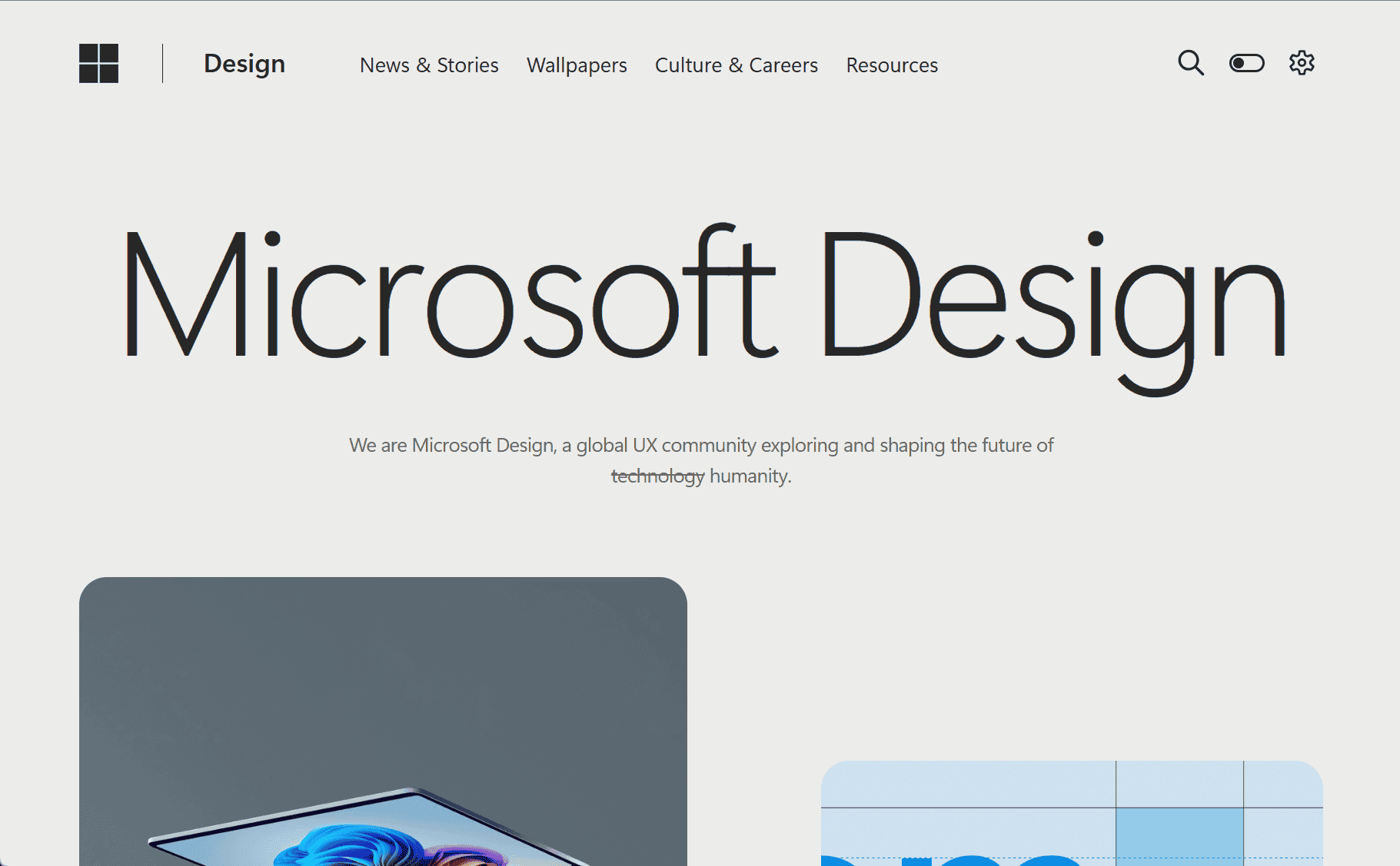
Microsoft Design is a comprehensive platform that provides resources, tools, and guidelines for designers and developers to create high-quality, consistent, and user-friendly products across Microsoft platforms. The site is a valuable resource for anyone working on projects for Windows, Office, Xbox, and other Microsoft ecosystems. It helps to bridge the gap between design principles and technical implementation, ensuring that products meet Microsoft’s standards for usability, accessibility, and design excellence.
The platform is structured around a set of design principles that guide the development of Microsoft products. These principles focus on clarity, consistency, efficiency, and inclusivity. Microsoft Design emphasizes the importance of simplicity, making products easy to use without unnecessary complexity. This is reflected in the clean, minimalistic design of the interface and the prioritization of core tasks and functions.
Another key aspect of Microsoft Design is its focus on consistency. Microsoft encourages designers to create seamless experiences by using a unified design language across all platforms. Whether users are interacting with an application on Windows, Xbox, or mobile devices, the experience should feel cohesive and familiar. Consistent design patterns, visual elements, and interactions help users navigate Microsoft products effortlessly, regardless of the device or platform.
Efficiency is also a core principle in Microsoft Design. The platform encourages designers to focus on making tasks faster and more intuitive. This includes optimizing workflows, reducing the number of steps required to complete tasks, and ensuring that users can accomplish their goals with minimal friction. By designing products that prioritize efficiency, Microsoft aims to create tools that help users be more productive in their daily work.
Inclusivity is another cornerstone of Microsoft’s design philosophy. The platform places a strong emphasis on creating products that are accessible to everyone, including users with disabilities. Microsoft Design provides guidelines for making apps and websites more accessible, such as offering alternatives for screen readers, implementing high-contrast color schemes, and ensuring that controls are easy to navigate using keyboard shortcuts or assistive devices. This ensures that Microsoft products are usable by people of all abilities and that they meet the needs of a diverse user base.
The Microsoft Design platform includes a wide range of resources to support designers, including UI kits, icons, typography guidelines, and templates. These resources are designed to help developers and designers maintain consistency across their projects while also allowing them to incorporate unique elements that reflect their product’s brand. Microsoft Design also provides extensive documentation on how to use these resources, making it easier for designers to integrate the guidelines into their own workflows.
One of the standout features of Microsoft Design is its focus on creating products that are highly interactive and responsive. Whether designing for web, desktop, or mobile platforms, Microsoft Design emphasizes the importance of providing feedback to users through animations, transitions, and other interactive elements. These interactions help users understand the relationship between actions and results, improving overall usability.
The platform also includes best practices for designing apps and interfaces that cater to different devices and screen sizes. For example, the Microsoft Design guidelines provide tips for responsive design, ensuring that products adapt gracefully to varying screen sizes, from large desktop monitors to small mobile screens. This flexibility is essential for building apps that provide a great user experience across multiple devices.
In addition to these practical resources, Microsoft Design also offers a set of strategic design principles, helping designers understand the larger vision behind their work. The platform encourages designers to think about how their products fit into the broader Microsoft ecosystem, ensuring that they contribute to a unified user experience. By following these principles, designers can create products that align with Microsoft’s long-term vision while meeting the needs of users in the present.
In conclusion, Microsoft Design is an invaluable resource for designers and developers working across the Microsoft ecosystem. Its principles and tools help create apps and products that are not only visually appealing but also functional, inclusive, and efficient. By following the guidelines provided on the platform, designers can ensure that their work contributes to a consistent and high-quality user experience across all Microsoft products, from Windows to Xbox.
data statistics
Relevant Navigation