Android Developers
Android Official Design and Planning Guide
Tags:Design Specificationsaccessibility features Android design guidelines Material Design mobile app development user experience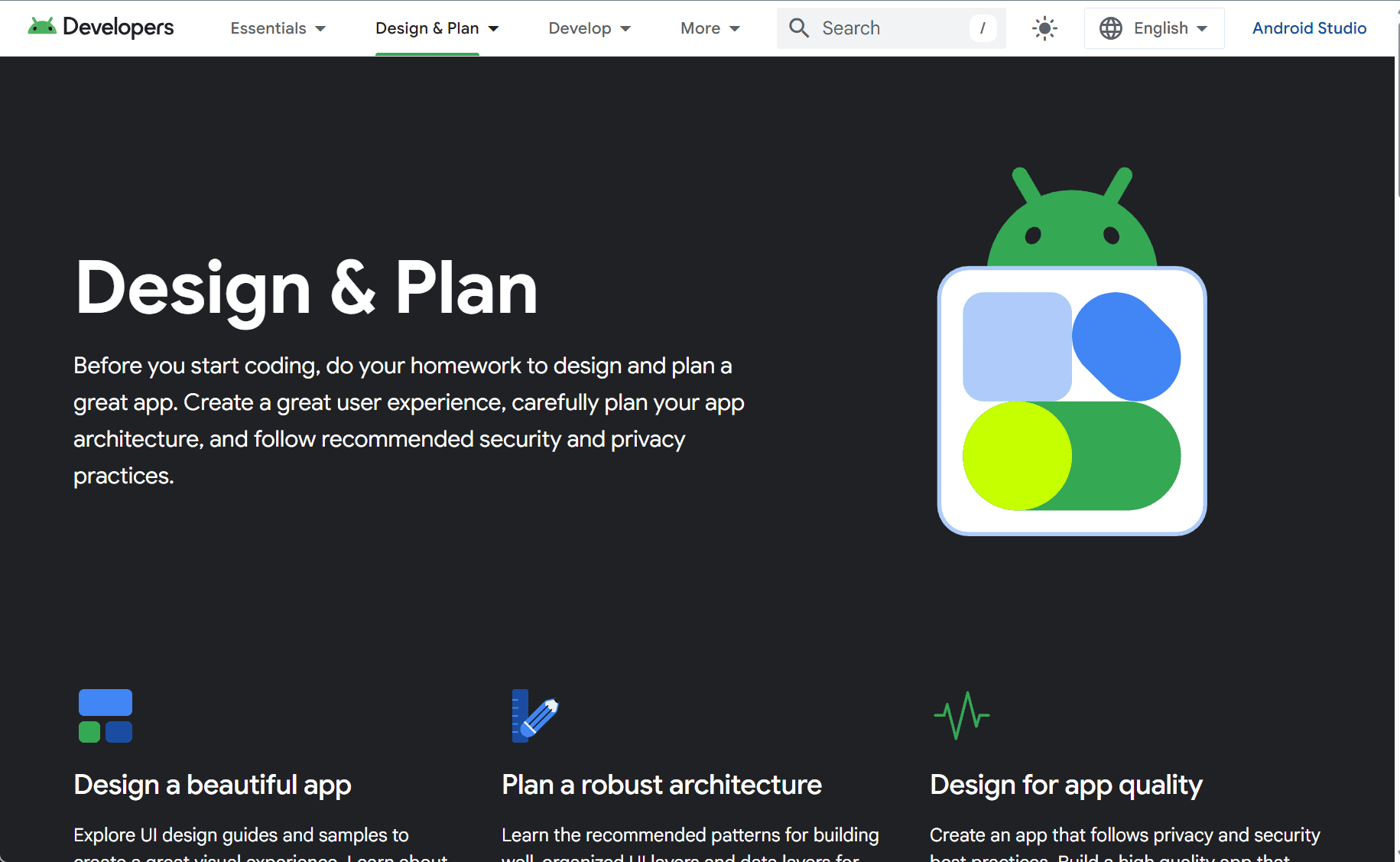
The Android Design guidelines, available on the official Android Developers website, provide a comprehensive set of best practices and resources for designing high-quality, intuitive apps on the Android platform. These guidelines cover various aspects of user interface (UI) design, interaction principles, and accessibility features, offering valuable insights for developers and designers aiming to create seamless and effective Android apps.
At the heart of Android’s design philosophy is Material Design, a design language introduced by Google to create a consistent and cohesive user experience across Android apps and devices. Material Design emphasizes the importance of visual hierarchy, meaningful motion, and intuitive navigation, ensuring that users can interact with apps in an easy and engaging way. The guidelines encourage designers to focus on using grid-based layouts, clean typography, and thoughtful color schemes to enhance clarity and readability.
The Android Design guidelines stress the significance of consistency across the Android ecosystem. To provide users with a unified experience, apps must adhere to Android’s visual and interaction patterns. This includes using standard UI components, such as buttons, navigation drawers, and tabs, that users are familiar with. By following these established patterns, developers can create apps that feel native to the platform and easy for users to navigate.
In addition to visual design, Android’s guidelines also focus on functionality and usability. For example, Android encourages designers to build responsive layouts that work across a variety of screen sizes and resolutions. This ensures that apps provide a smooth and consistent experience, whether they are used on a small phone screen or a large tablet display. The guidelines provide advice on how to make apps adaptable, offering suggestions for handling different screen orientations, aspect ratios, and device types.
Accessibility is another crucial aspect of Android Design. Google emphasizes the importance of making apps usable by everyone, including users with disabilities. The Android guidelines provide detailed recommendations on creating accessible apps, including supporting features such as screen readers, high-contrast modes, and gesture navigation. By following these guidelines, developers can ensure that their apps are inclusive and provide a positive experience for all users, regardless of their abilities.
User feedback and interaction are also key principles in the Android Design guidelines. The guidelines advocate for the use of responsive feedback mechanisms, such as visual cues and animations, to let users know that their actions have been registered. Additionally, the guidelines suggest using meaningful transitions and motion to guide users through the app’s interface. These interactions help users understand the flow of the app and give them a sense of control.
The Android Design guidelines are not limited to visual and interaction aspects alone but also address the broader user experience. For instance, the guidelines emphasize performance optimization, ensuring that apps run smoothly and efficiently without draining system resources. By prioritizing speed and responsiveness, developers can create apps that meet user expectations for seamless and fluid interactions.
The site also provides a wealth of resources for designers and developers, including UI kits, icon libraries, and pre-designed templates that help speed up the design process. These resources are intended to save time and ensure that developers follow the right design patterns when building Android apps.
In conclusion, the Android Design guidelines are an essential tool for developers and designers looking to create high-quality, user-friendly apps on the Android platform. By adhering to these principles, developers can ensure that their apps deliver a consistent and intuitive experience across a variety of devices and screen sizes. With a focus on Material Design, consistency, accessibility, and user interaction, these guidelines help developers create apps that are visually appealing, functional, and easy to use. Following Android’s design best practices will not only enhance the user experience but also contribute to the broader goal of making Android apps more accessible and inclusive for all users.
data statistics
Relevant Navigation