
Apple Developer
Apple's official design documentation! Helps you design outstanding experiences for any Apple platform
Tags:Design Specificationsaccessibility design Apple design guidelines human interface design iOS app design user experience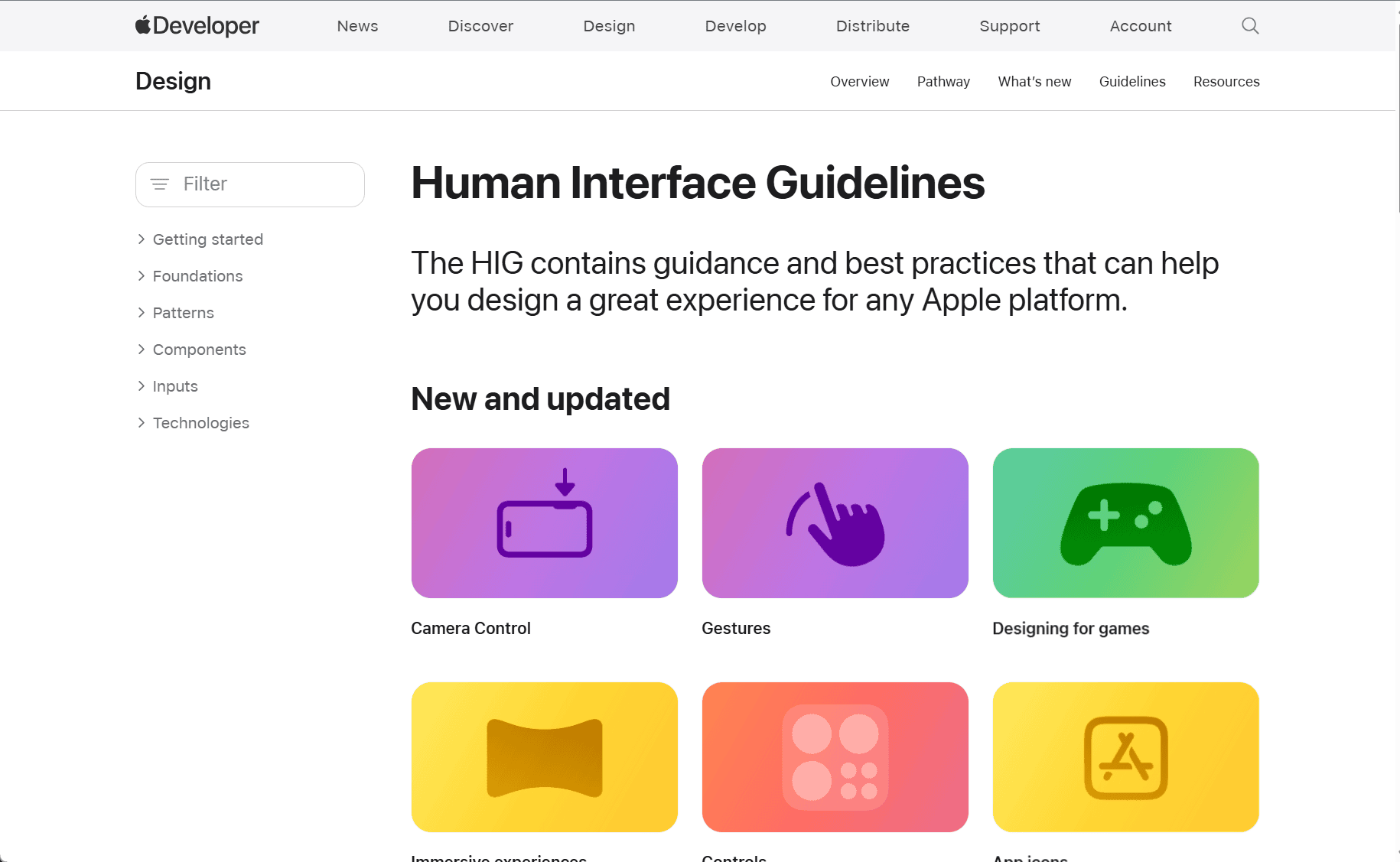
Apple’s Human Interface Guidelines (HIG) serve as a comprehensive resource for developers and designers to create apps that offer an optimal user experience across Apple platforms. These guidelines are designed to help developers design intuitive, consistent, and aesthetically pleasing user interfaces (UI) for iOS, macOS, watchOS, and tvOS. By following HIG, developers ensure their apps align with Apple’s standards for usability, accessibility, and design quality.
The HIG is structured around several key principles, starting with a focus on clarity, deference, and depth. Apple emphasizes the importance of clarity in design, ensuring that content is easily understood and usable. This principle guides developers to create clear, legible interfaces that prioritize user interaction over unnecessary decoration. For example, Apple’s use of white space, typography, and color schemes ensures content is accessible and engaging, without overwhelming the user.
Deference is another central tenet of Apple’s design philosophy. This principle encourages developers to design interfaces that integrate well with the operating system and respect the overall experience of the platform. This includes ensuring apps feel native to Apple devices, using the built-in elements of iOS, macOS, or other platforms to provide a seamless experience. The idea is that apps should enhance the system’s design without overwhelming or distracting from the overall environment.
Depth in design is encouraged through the use of layering, motion, and visual hierarchy. Apple promotes subtle animations and transitions that provide users with context and feedback, allowing them to better understand the flow of interaction. This is especially relevant in the case of apps designed for iOS and iPadOS, where gestures and transitions play a significant role in the user experience.
The HIG also offers specific guidelines for key elements of app design, such as buttons, icons, navigation bars, and tab bars. It explains how these components should be structured to ensure consistency and ease of use. For instance, Apple recommends using large, touch-friendly buttons for mobile apps, while macOS applications may benefit from more compact designs that suit desktop navigation. The guidelines also detail how to approach content organization, focusing on clear visual hierarchy to help users navigate easily.
Accessibility is a crucial part of the HIG, and Apple highlights the importance of making apps usable by everyone, including people with disabilities. The HIG provides developers with tools and tips for making their apps more accessible, including guidelines for using VoiceOver, dynamic type, and other accessibility features. This ensures that apps are inclusive and provide a positive user experience for all users, regardless of their abilities.
In addition to core principles, the HIG also includes detailed sections on best practices for UI components, animations, typography, and iconography. Developers can access recommendations on how to choose the right fonts, use color effectively, and design scalable and responsive layouts that work across different device sizes and orientations.
Apple’s HIG is not just about following design patterns; it’s also about understanding the underlying philosophy that makes Apple’s products stand out. These guidelines encourage developers to create intuitive apps that deliver delightful and purposeful user experiences. By adhering to the HIG, developers can ensure their apps feel at home on Apple devices, are easy to use, and meet Apple’s high standards for design excellence.
Overall, the Apple Human Interface Guidelines provide invaluable insight into creating apps that are not only functional but also beautifully designed and easy to navigate. Whether you’re building an app for iPhone, iPad, Mac, Apple Watch, or Apple TV, these guidelines are essential for creating a seamless user experience that aligns with Apple’s ecosystem and principles.
data statistics
Relevant Navigation