






Alibaba Java Coding Guidelines
Alibaba Coding Standard Scanning Plugin
Tags:IDEA plug-inAlibaba Java Coding Guidelines Automated code fixes Code inspections IntelliJ IDEA plugin Java code standards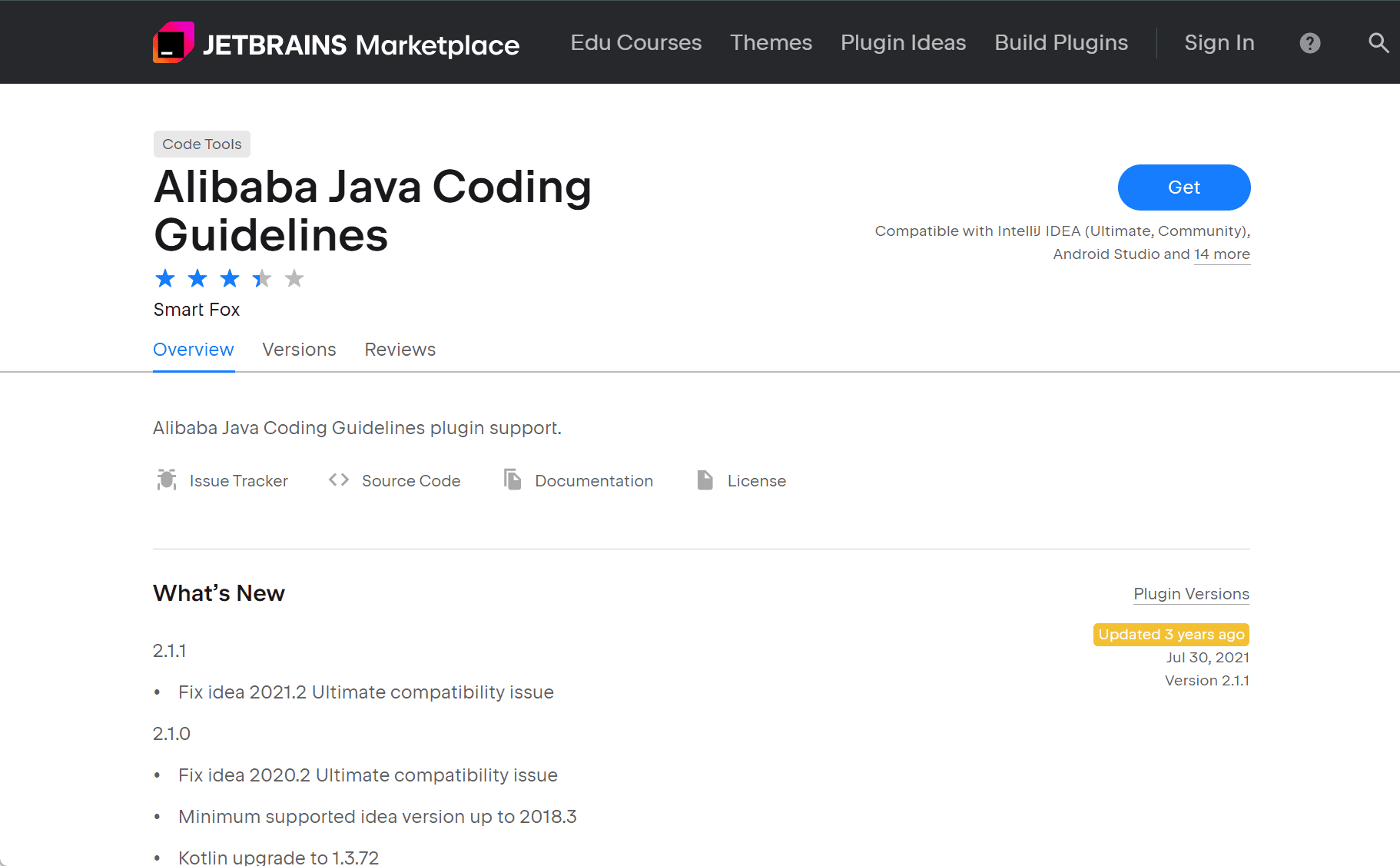
The Alibaba Java Coding Guidelines plugin for IntelliJ IDEA helps developers follow Alibaba’s Java coding standards. It provides real-time code inspections and automated fixes to maintain code quality and consistency.
Key Features
1. Real-Time Code Inspections
The plugin integrates with IntelliJ IDEA’s inspection system, highlighting coding standard violations as you write code. This immediate feedback allows developers to correct issues quickly. Inspection settings can be customized to fit project needs.
2. Severity Levels
Violations are categorized into three levels:
-
Blocker: Critical issues requiring immediate attention.
-
Critical: Significant problems that should be fixed promptly.
-
Major: Minor issues that should be resolved but are less urgent.
This helps developers prioritize fixes based on severity.
3. Automated Fixes
For many detected issues, quick fixes are available within the IDE. Developers can apply these corrections instantly using shortcuts, streamlining the process of maintaining code quality.
4. Customizable Inspections
Developers can enable or disable specific inspections to tailor the plugin’s behavior according to their team’s coding standards.
5. Code Scanning
The plugin supports on-demand scanning of the entire project or selected files to detect coding standard violations and facilitate cleanup.
Installation
To install the plugin in IntelliJ IDEA:
-
Go to
File > Settings > Plugins. -
Search for “Alibaba Java Coding Guidelines”.
-
Click
Installand restart the IDE.
Conclusion
The Alibaba Java Coding Guidelines plugin is a useful tool for developers who want to ensure their Java code adheres to established standards. By offering real-time inspections and automated fixes, it supports the creation of high-quality, consistent codebases.
data statistics
Relevant Navigation


