Vetur
Vue component support tools
Tags:VSCode plug-incode linting IntelliSense Vetur Visual Studio Code extension Vue.js development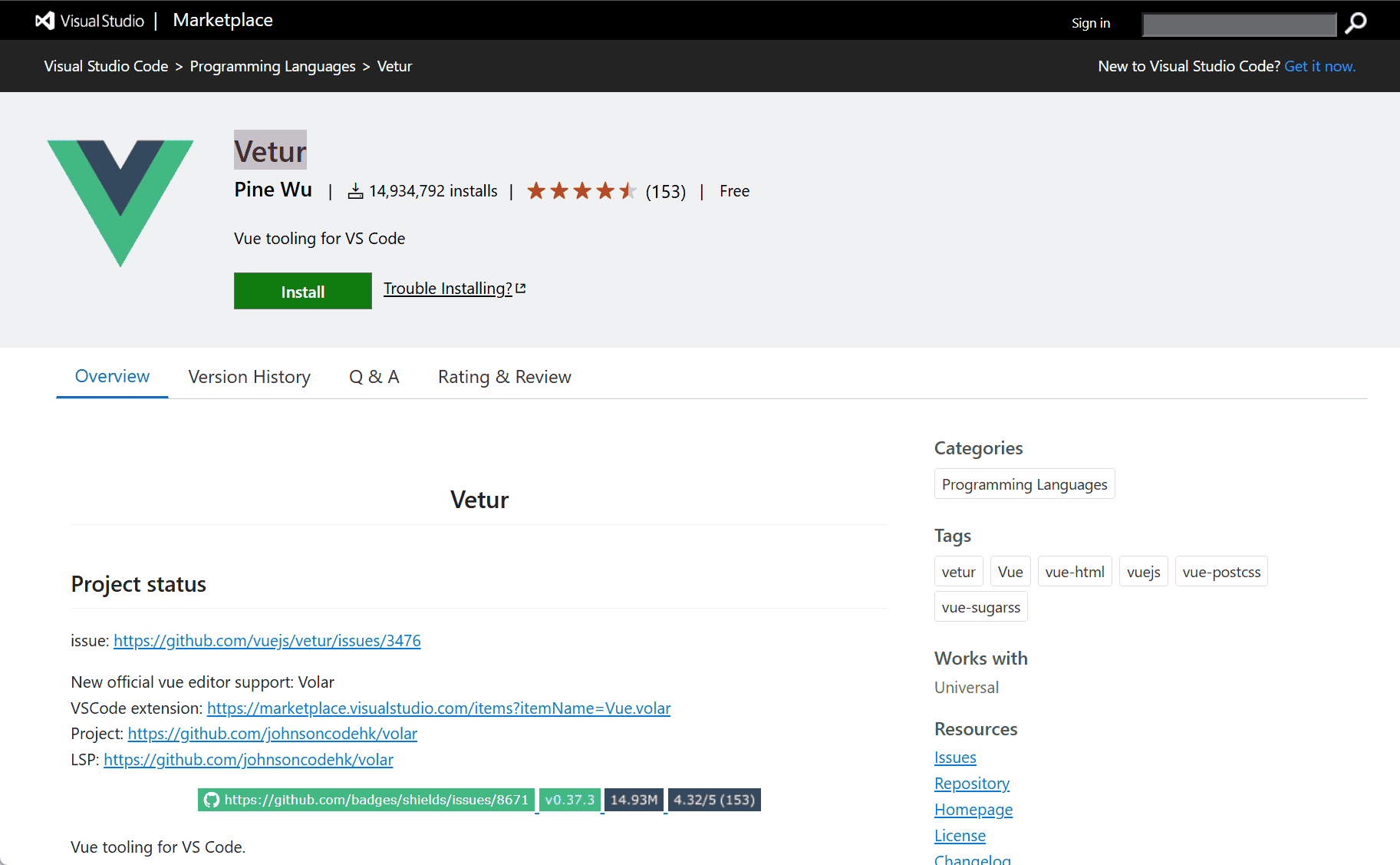
The Vetur extension for Visual Studio Code is a comprehensive toolset designed to enhance the development experience for Vue.js applications. Developed by Pine Wu, Vetur offers a range of features that streamline coding, debugging, and maintaining Vue projects.
Key Features
-
Syntax Highlighting: Provides clear and distinct color coding for HTML, CSS, and JavaScript within
.vuefiles, improving code readability. -
Semantic Highlighting: Offers context-aware colorization, distinguishing variables, functions, and other elements based on their roles.
-
IntelliSense: Delivers intelligent code completion and suggestions, enhancing coding speed and accuracy.
-
Error Checking and Linting: Integrates with ESLint to identify and highlight potential issues in real-time, promoting clean code practices.
-
Code Formatting: Supports automatic formatting of code to maintain consistent style and readability.
-
Emmet Support: Allows for rapid HTML and CSS coding through shorthand abbreviations.
-
Component Data and Hover Information: Provides auto-completion and hover-over documentation for Vue components, aiding in faster development.
-
Debugging Support: Facilitates debugging of Vue components directly within the editor.
-
Global Components Recognition: Supports the definition and recognition of global components across the project.
Installation and Setup
To install Vetur:
-
Open Visual Studio Code.
-
Navigate to the Extensions view by clicking on the Extensions icon in the Activity Bar on the side of the window.
-
Search for “Vetur” in the Extensions Marketplace.
-
Click “Install” to add the extension to your editor.
After installation, Vetur automatically activates when you open a .vue file. For optimal performance, consider configuring your project settings in .vscode/settings.json to tailor Vetur’s behavior to your workflow.
Conclusion
Vetur significantly enhances the Vue.js development experience within Visual Studio Code by providing essential tools for efficient coding, error detection, and debugging. Its comprehensive feature set makes it an indispensable extension for developers working with Vue.js.
data statistics
Relevant Navigation