






CamelCase
Easy camel case conversion
Tags:IDEA plug-inCamelCase plugin case conversion Code Refactoring JetBrains IDE naming conventions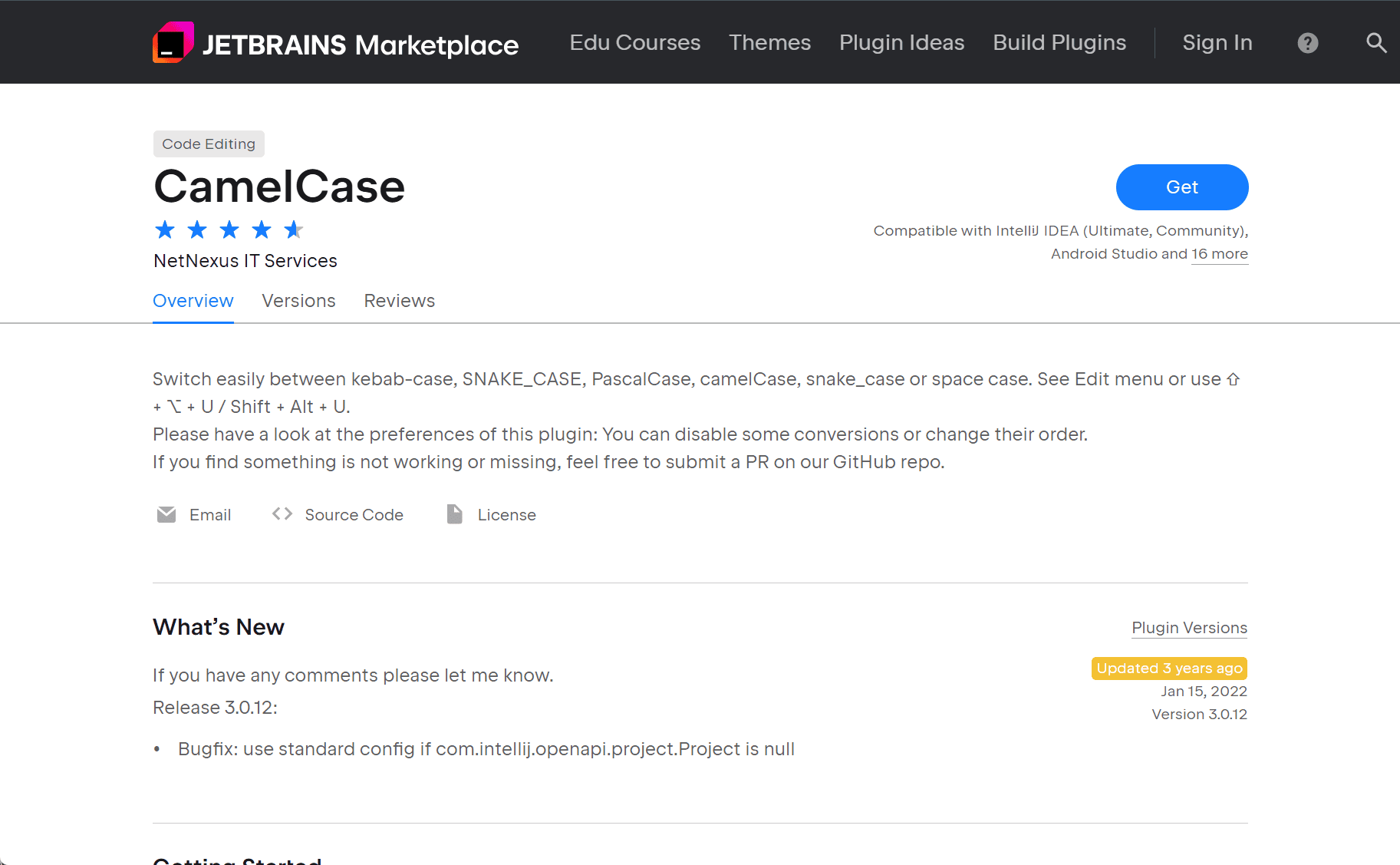
Streamline Text Case Conversions with the CamelCase Plugin for JetBrains IDEs
The CamelCase plugin enhances JetBrains IDEs by providing seamless text case conversions across various naming conventions. It supports formats such as camelCase, PascalCase, snake_case, SNAKE_CASE, kebab-case, and space case, making it easier to switch between different coding styles based on project or team requirements.
Key Features
-
Versatile Case Transformations
Easily toggle between multiple naming conventions to conform to specific code standards. -
Customizable Conversion Order
Reorder the transformation sequence in the settings panel to prioritize preferred case styles. -
Selective Format Disabling
Turn off unwanted formats to streamline the cycle and focus on the ones you use most often. -
Intuitive Keyboard Shortcut
Use the default shortcutShift + Alt + Uto quickly switch case formats without interrupting your workflow.
Installation and Compatibility
To install the CamelCase plugin:
-
Open your JetBrains IDE.
-
Navigate to
Settings>Plugins. -
Search for “CamelCase”.
-
Click
Installand restart the IDE if prompted.
The plugin is compatible with various JetBrains IDEs including IntelliJ IDEA, PhpStorm, WebStorm, PyCharm, and Rider.
Ideal Use Cases
-
Cross-Language Development
Convert variable names between different naming conventions to match syntax standards in different languages. -
JSON Data Formatting
Quickly change key styles in JSON documents to meet API expectations or internal guidelines. -
Code Refactoring
Simplify variable or function renaming by cycling through case formats during code cleanup.
The CamelCase plugin is a lightweight yet powerful tool for developers who frequently switch between naming conventions in code. It brings convenience and consistency to any codebase handled within a JetBrains IDE.
data statistics
Relevant Navigation


