BashSupport
Bash script support plugin
Tags:IDEA plug-inBash scripting BashSupport plugin BashSupport Pro code debugging JetBrains IDE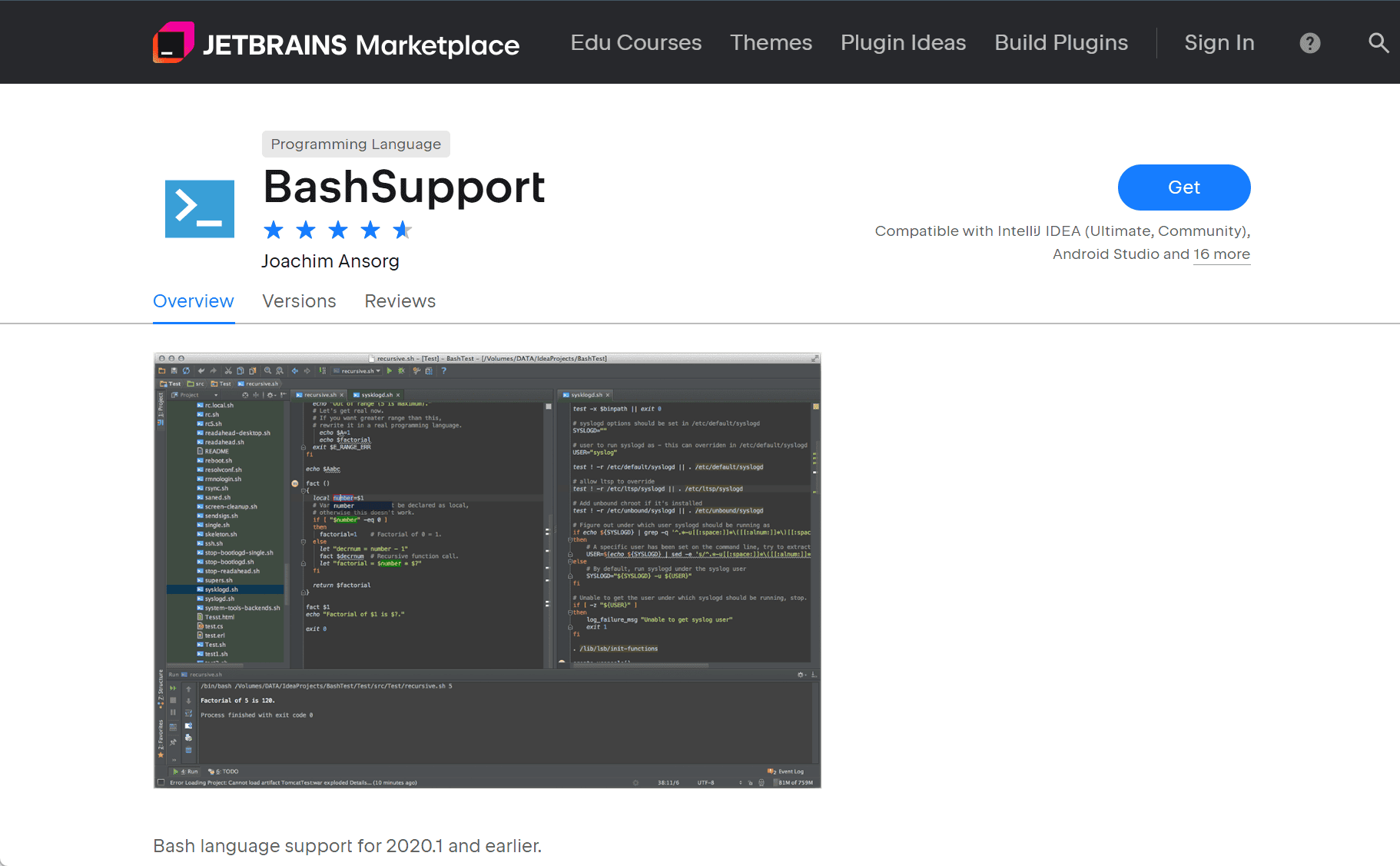
BashSupport Plugin for JetBrains IDEs: Legacy Bash Scripting Support
The BashSupport plugin provided foundational Bash scripting capabilities within JetBrains IDEs such as IntelliJ IDEA, PyCharm, and WebStorm. It offered features like syntax highlighting, basic code completion, and run configurations for Bash scripts. However, due to changes in JetBrains’ plugin architecture and the introduction of the Shell plugin, BashSupport is no longer maintained and supports IDE versions only up to 2020.1.
Key Features
-
Syntax Highlighting
Enhanced readability of Bash scripts through color-coded syntax. -
Code Completion
Basic suggestions for Bash commands and functions. -
Run Configurations
Enabled direct execution of Bash scripts within the IDE. -
Navigation Tools
Included features such as “Go to Declaration” and “Find Usages” for easier code navigation.
Transition to BashSupport Pro
With BashSupport now deprecated, developers are encouraged to switch to BashSupport Pro — a more modern and actively maintained alternative that offers enhanced functionality:
-
Debugger Integration
Full support forbashdbfor step-through debugging of Bash scripts. -
Testing Framework
Integrated support forbats-coreto write and execute unit tests for shell scripts. -
Code Analysis
Built-in integration withShellCheckto detect and fix common scripting errors. -
Code Formatting
Utilizesshfmtto apply consistent formatting across scripts. -
Cross-Platform Compatibility
Fully functional across Linux, macOS, and Windows environments.
BashSupport Pro delivers a complete and professional-grade environment for Bash development within JetBrains IDEs, making it a strong successor to the original plugin.
data statistics
Relevant Navigation